Loomly is fine. But fine isn’t always enough.
If you’ve been using it for a while and something feels off, you’re probably not imagining things.
No free plan, and the moment you grow beyond the starter, you’re looking at a $332/month bill. There’s no middle ground.
So I went and looked at what else is out there.
Not just whatever pops up first on Google, but tools that actually make content planning feel less like a chore.
Here’s what I found.
What's Inside
What Loomly Does Well and Doesn’t
It’s a solid tool for small teams. I mean, the clean interface, decent scheduling, a content calendar that works, and built-in post ideas that are actually useful when you’re stuck.
If you’re a team of one or two people who just need to plan and publish, it does the job fine.
But the problem comes out when you try to grow with it. Custom approval workflows are locked behind higher plans, and now there’s no X (Twitter) support at all.
On the other hand, the pricing restructure in 2025 removed the middle tiers completely, so the jump from $65/month goes straight to $332/month with nothing in between.
That’s the gap most people, maybe including you, are trying to solve.
Quick Look: 8 Loomly Alternatives Compared
Before we get into each tool, here’s a quick look at all 8 side by side. If you already know what you need, this might be all you need to pick one.
| Tool | Best For | Free Plan | Starting Price |
|---|---|---|---|
| Buffer | Beginners, solo creators | Yes | $5/month per channel |
| Semrush | Competitor tracking, SEO + social | Limited | $20/month (social only) |
| Hootsuite | Teams, social listening | No | $99/month |
| Circleboom | X (Twitter) heavy users | No | $12.99/month |
| Canva Content Planner | Design + scheduling in one place | No (needs Pro) | ~$15/month |
| Sprout Social | Agencies, customer support | No | $199/month per user |
| CoSchedule | Bloggers, content marketers | Yes (limited) | $19/month |
| Zoho Social | Budget-conscious teams | No | $10/month per user |
That’s the basic idea. Now let’s go through each one and see how they really look.
1. Buffer
Buffer is the one I’d actually tell a friend to start with. Clean interface, nothing confusing, and you can connect a few accounts without it feeling like you’re operating a spaceship.

You connect your accounts, schedule your posts, and that’s kind of it. There is no learning curve, no feature overload. The free plan is solid, too, not one of those “free” plans that lock everything useful behind a paywall.
Key features:
- Schedule and publish posts across Instagram, Facebook, LinkedIn, TikTok, X, Pinterest, YouTube, Threads, and Bluesky
- Content calendar with drag-and-drop, plus a queue so posts go out automatically
- An AI assistant to help you write captions, repurpose content
- Community inbox to manage comments from multiple platforms in one tab
- Analytics on engagement, reach, follower growth, and best times to post
- Bulk scheduling via CSV if you batch content in spreadsheets
- Team collaboration with approval workflows (on higher plans)
- Link-in-bio page builder (they call it Start Page)
- Browser extension for saving ideas while you browse
Pricing: Free plan available for individuals, and you can have 10 scheduled posts per channel, refill anytime. Paid plans start at $5 per month per channel, which is pretty reasonable if you’re just getting started.
2. Semrush
Semrush is mostly known as an SEO toolkit, which I also use daily, but the social media side of it is solid, too. You can schedule posts, keep an eye on what competitors are doing, and track how your content is performing, all from the same place.
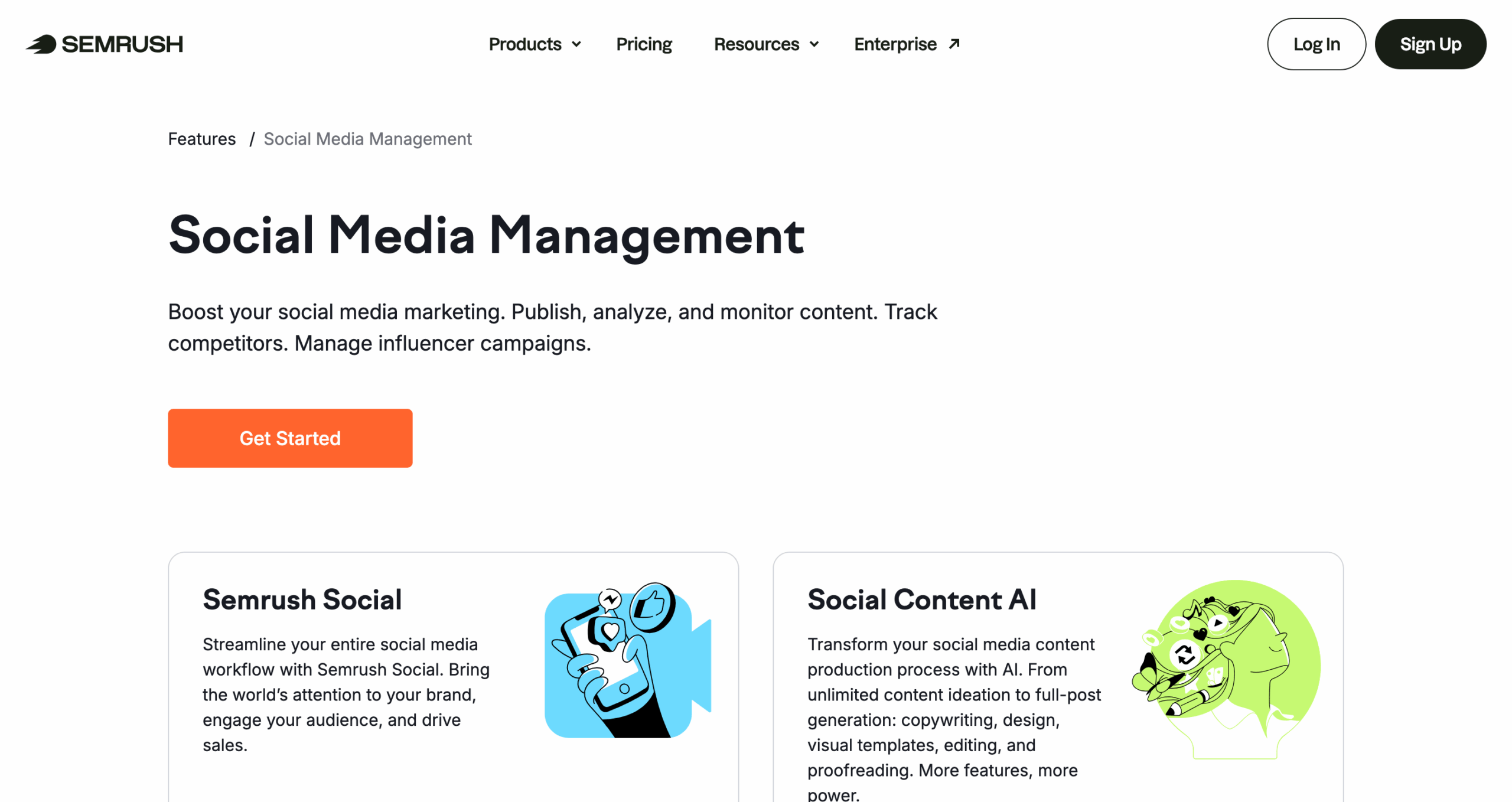
This is one of the good options as a Loomly alternative if you’re more into working with insights or already using Semrush for your site, and don’t want another separate tool on top of it.
Key features:
- Schedule and publish posts across Facebook, Instagram, LinkedIn, X, Pinterest, YouTube, and Google Business Profile
- Competitor tracking, so you can see how other brands are posting
- Social Content AI to generate post ideas, captions, and visuals
- Performance analytics with engagement, reach, and audience data
- Media monitoring to track brand mentions across social, blogs, and news
- Automated reports you can send to clients on a schedule
- Content Insights to see what topics and formats are working best
- Integrates with the broader Semrush SEO and PPC tools
Pricing: The social media toolkit is free to use on its own. If you want the full Semrush suite with SEO, PPC, and everything else, paid plans start at $20/month (social only).
3. Hootsuite
Hootsuite has been around like forever, and there’s a reason people keep coming back to it. It handles scheduling across all your platforms, has a built-in AI writing tool called OwlyWriter, and gives you a real inbox for managing messages.

It also does social listening, which Loomly doesn’t. That said, it’s not cheap, so it makes more sense for businesses than solo creators.
Key features:
- Schedule and publish to all major platforms from one dashboard, with per-network editing
- OwlyGPT (their AI tool) for caption writing and content ideas
- Social listening to track what people are saying about your brand
- Unified inbox for messages, comments, and mentions across platforms
- AI classifiers that automatically sort and route incoming messages
- Analytics and custom reports with competitor benchmarking
- Team collaboration with approval workflows and role-based permissions
- 100+ integrations, including Canva, Google Analytics, and most CRMs
- Best time to post recommendations based on your audience data
Pricing: Plans start at $99 per month. There’s a free trial if you want to test it first.
4. Circleboom
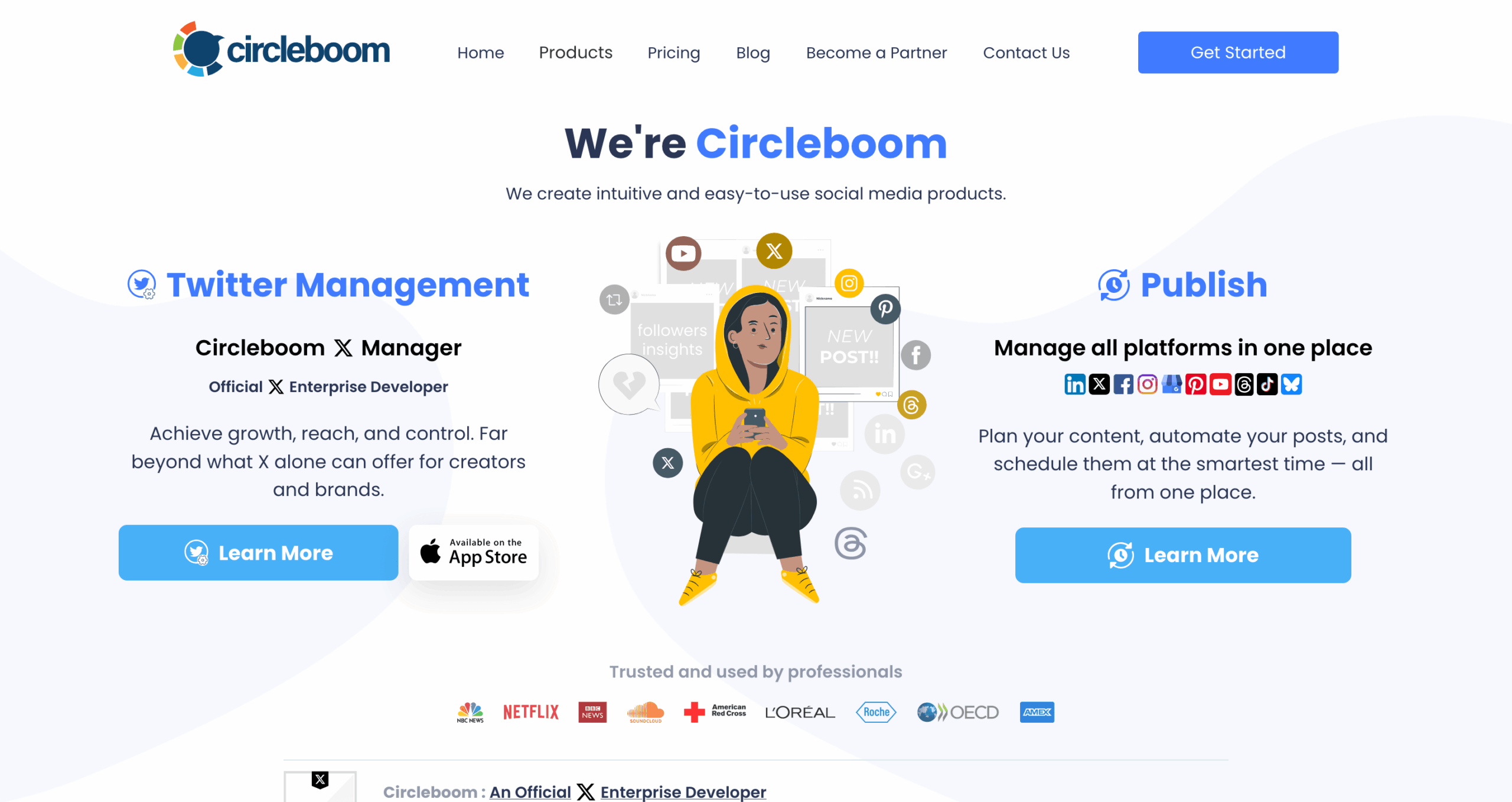
Circleboom is a bit different from the other platforms I listed here. It started as a Twitter (X) management tool and still does that really well, things like follower analytics, bulk tweet deletion, and advanced search.
But it also lets you schedule posts to other platforms like Instagram, Facebook, LinkedIn, and Pinterest. Worth considering if X is a big part of your strategy.
Key features:
- Schedule and publish posts across Facebook, Instagram, X, LinkedIn, Pinterest, Google Business Profile, Threads, and YouTube Shorts
- AI caption generation with AI integration built in
- Native Canva integration, so you can design without downloading anything
- RSS auto-posting for bloggers who want to share content automatically
- X-specific tools: follower audit, fake follower detection, bot checker, and bulk tweet deletion
- Follower analytics with demographics and growth data
- Advanced search on X for finding users, hashtags, or keywords
- Queue scheduling with auto-posting at optimal times
Pricing: Twitter management plans start at $12.99/month. For multi-platform scheduling, it’s $24.99/month billed annually.
5. Canva Content Planner
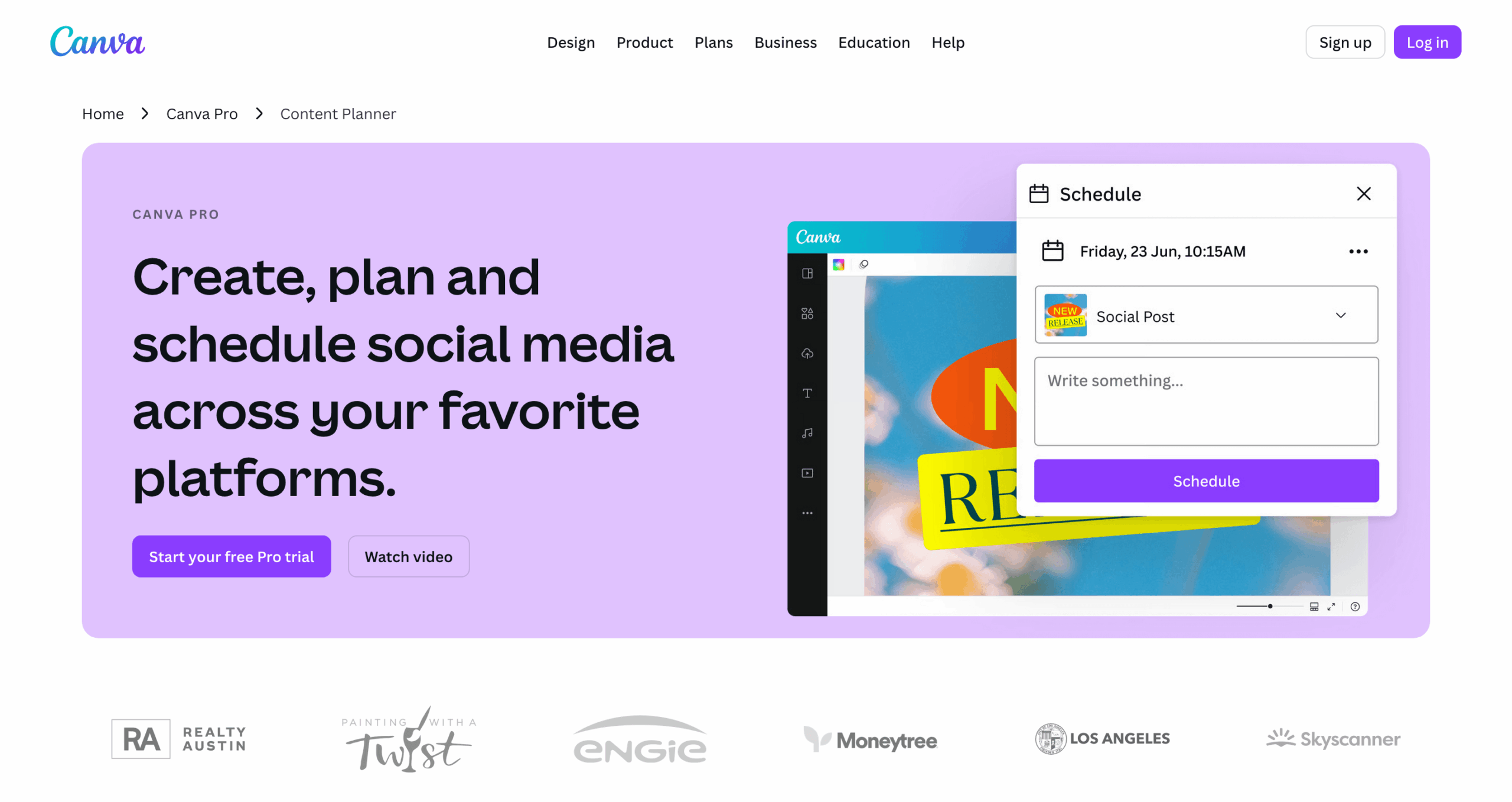
Canva needs no introduction here. But if you’re already using Canva to make your graphics, this one kind of just makes sense. You design your post and schedule it from the same place, no exporting, no switching tabs.
The content planner is built into Canva Pro, so if you’re paying for it already, you already have it and don’t need to pay for some other tool just to schedule stuff.
Key features:
- Design and schedule posts from the same place, no switching tools
- Drag-and-drop content calendar with scheduling to Facebook, Instagram, LinkedIn, Pinterest, Slack, and a few others
- Access to Canva’s full design library, templates, brand kits, and AI tools
- Team collaboration with real-time editing and commenting on designs
- Direct publish integrations with Hootsuite, Sprout Social, LinkedIn, and Mailchimp
- Basic post-performance analytics, including impressions, clicks, and engagement
Pricing: Canva Pro starts at around $15/month (pricing varies by region). The Content Planner is included in that plan, so if you’re already paying for Canva Pro, you have it.
6. Sprout Social

Sprout Social is like the heavy-duty option here. It handles scheduling, has a unified inbox for all your messages, does competitor reports, and goes deep on analytics.
It’s the kind of tool bigger teams and agencies use when they need everything in one place and have the budget for it. I don’t feel like it’s really made for beginners, but if you’re handling multiple brands or clients, it’s hard to beat.
Key features:
- Schedule and publish across all major platforms with per-network customization
- Unified smart inbox that pulls in messages, comments, and mentions
- Social listening and sentiment analysis to track what people think about your brand
- Advanced analytics with custom dashboards, competitor benchmarking, and ROI tracking
- AI tools for content suggestions, caption writing, and optimal send times
- Approval workflows with stakeholder reviews
- Employee advocacy tools to help your team share content on their own accounts
- Integrations with Salesforce, HubSpot, Google Analytics, and most major CRMs
Pricing: Plans start at $199 per user per month. Pricey, but it’s built for teams that use it every day.
7. CoSchedule
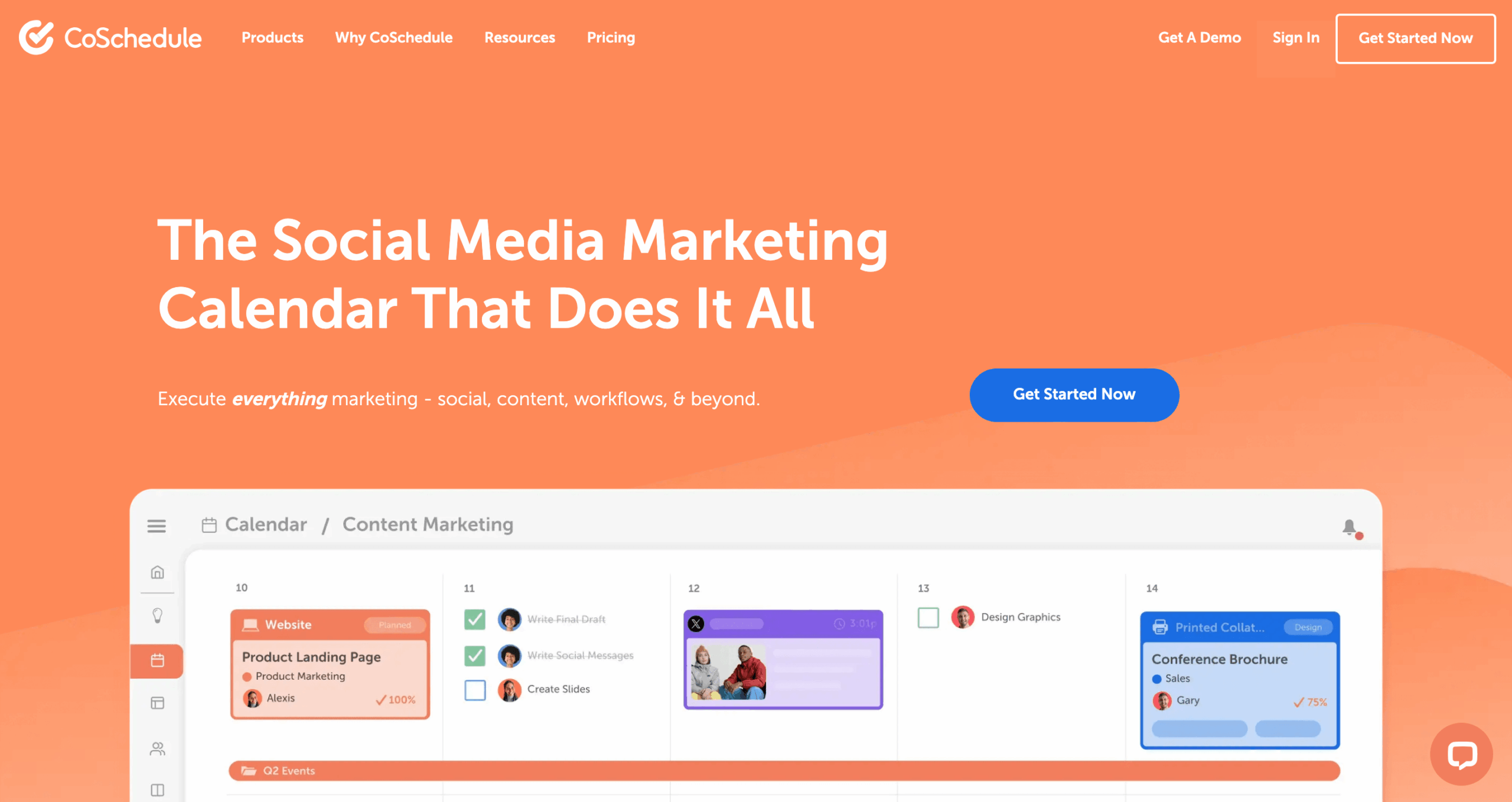
CoSchedule works well if you’re posting content across more than just social media. The marketing calendar here gives you a full view of everything: blog posts, campaigns, social, all in one place.
This is a good option if staying organized is something you’re looking at as a priority. The free social calendar is a nice touch, too, if you’re not ready to fully commit yet.
Key features:
- Marketing calendar that covers social posts, blog content, email campaigns, and projects all in one view
- Social scheduling with best time suggestions based on your historical engagement data
- AI writing assistant (called Hire Mia) for captions, headlines, and content ideas
- Campaign grouping so you can tie related blog posts, social posts, and emails together
- WordPress integration for bloggers who want to push content straight to social after publishing
- Drag-and-drop rescheduling across your entire calendar
- Approval workflows and task assignments for team coordination
- Integrations with Mailchimp, HubSpot, Google Analytics, and major social platforms
Pricing: Free social calendar available with limited features. Paid plans start at $19/month billed annually.
8. Zoho Social

Zoho Social is one of the more affordable options on this list, and it covers the basics well. Scheduling, a content calendar, some analytics, and team collaboration tools.
If you’re already in the Zoho ecosystem using their CRM or other tools, it connects pretty smoothly with those, too.
Key features:
- Schedule and publish across Instagram, Facebook, X, LinkedIn, Pinterest, YouTube, TikTok, and Google Business Profile
- Bulk scheduling via spreadsheet upload if you plan content in batches
- Monitoring dashboard for brand mentions, keywords, and trending topics in real time
- Inbox for comments, messages, and mentions across all platforms
- Custom and pre-built analytics reports per network
- Team collaboration with roles, approval workflows, and shared reporting
- Native Canva integration for designing and scheduling without leaving the tool
- Deep integration with Zoho CRM if you’re already in that ecosystem
Pricing: Plans start at $10 per month per user. One of the more budget-friendly picks here.
Which One Should You Actually Use?
Here’s a quick way to think about it:
If you want something simple and free, go with Buffer.
It’s the least overwhelming option on this list.
If you need design and scheduling in the same place, Canva Content Planner makes sense, especially if you’re already using Canva for your projects.
If you’re managing social for a business and you care about tracking competitors or monitoring your brand, Semrush or Hootsuite are worth looking at.
Both go way beyond just scheduling.
If you’re on a team and need approval workflows, Sprout Social or CoSchedule are worth the extra cost.
Not cheap, but they’re built for that kind of work.
And if budget is tight, CoSchedule’s free calendar or Zoho Social’s $10/month plan are probably the most affordable starting points on this list.
Pick one. Try it at least for two weeks. See what happens.
Frequently Asked Questions
- Is there a free alternative to Loomly?
- Yes. Buffer has a real free plan that lets you connect up to 3 channels and schedule 10 posts per channel. CoSchedule also has a free social calendar with basic scheduling. Both are solid starting points if you’re not ready to pay yet.
- Why did Loomly get so expensive?
- Loomly restructured its pricing in 2025 and cut the middle tiers. Now the jump from the Starter plan at $65/month goes straight to $332/month with nothing in between. That gap is why a lot of people started looking around.
- Which Loomly alternative is best for small teams?
- Buffer or Zoho Social. Buffer is simpler and works well if you’re a solo creator or a team of two. Zoho Social starts at $10/month per user and has approval workflows, which makes it a better fit if you need a little more structure without spending a lot.
- Does Loomly support X (Twitter)?
- No. Loomly doesn’t support publishing to X, which is one of the reasons some people switch. If X is a big part of your strategy, Circleboom, Buffer, or Hootsuite all support it.
- What is the cheapest Loomly alternative?
- Zoho Social at $10/month per user is the most affordable paid option on this list. If free is the goal, Buffer’s free plan or CoSchedule’s free calendar are your best bets.