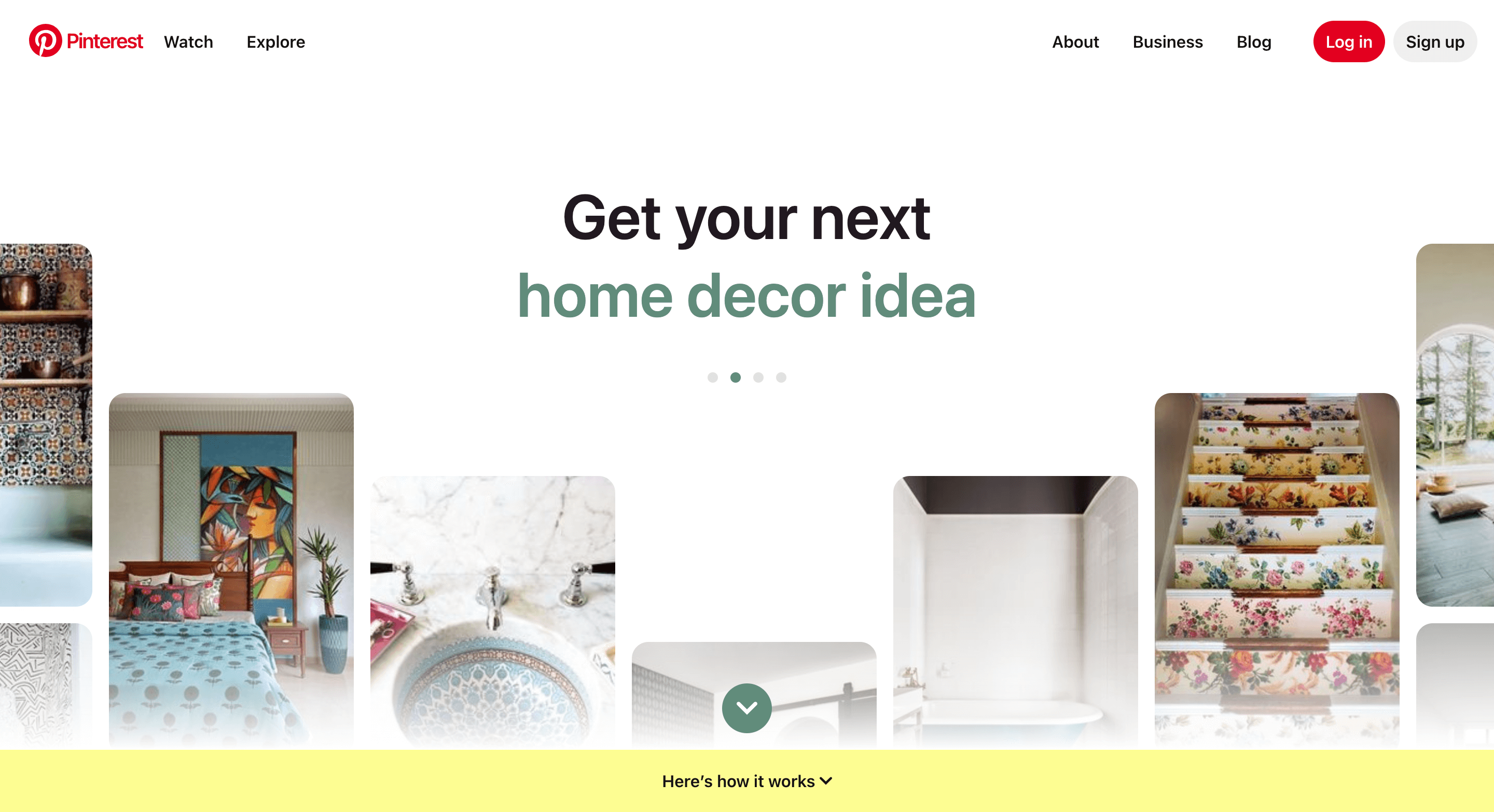
Pinterest always looks a bit like Instagram when you first open it. Same kind of scroll, pretty images, home decor, recipes, fashion, all of that.
So most people just think it’s another social media app and leave it.
But it’s not really that.
It works more like a visual search engine. That small detail changes how everything works.
And this is where people mess it up. They think followers are what matter, so they focus on likes and saves like Instagram. But on Pinterest, that does not really push growth.
Search visibility is what actually matters.
If you want people to find your profile and follow you, you need keywords, optimization, and a strategy that treats Pinterest as a search platform where people are looking for answers, inspiration, and products.
That’s the full thing you should know before doing anything.
Now let’s look at how to grow your Pinterest following in 2026.
Disclosure: This post has affiliate links. I earn a commission if you buy, at no extra cost to you.
Why Building a Pinterest Following Actually Matters
Pinterest has around 640 million active users, and that number is still going up.
What’s even more surprising is that more than 70% of users are women. And on top of that, most people don’t expect that around 90% of users come to Pinterest with shopping intent.
Yes, they are not just scrolling for fun. They are looking for things to buy, make, or learn.
That is not random traffic. That is a group of people already looking for something.
For your business, it is pretty simple.
If you can show up in front of the right people on Pinterest, they are more likely to click your site, join your email list, or buy something compared to most other platforms.
That is why a Pinterest following is not just about numbers. It is about reaching people who already want something.
But still, there is one thing that needs to be clear, and that is, followers do matter, just not the way most people think.
Followers can give your new pins a bit of a push in the beginning, so they get seen early. But real growth does not come from that. It comes from search visibility and posting the right content over and over.
So even if you’re here to know how to get more followers on Pinterest, don’t get stuck watching follower counts. The real game happens when you focus more on keywords and putting out useful content instead.
1. Optimize Your Pinterest Profile So People Want to Follow You
Your profile is what users see, or we can say the front door. If someone lands on your profile after clicking a pin, they need a reason to hit that follow button.
So the first thing is to get the basics right.
You have to start with a Pinterest business account. You can’t do much on Pinterest without one, so create a new one or convert your existing personal one to a business account.
A business account gives you access to analytics, which is how you figure out what’s working and what’s not.
You can see which pins are getting saves, clicks, and impressions.
That data is everything.
Next, keep your profile simple.
A simple username, a clear bio, and a photo that reflects your brand. Don’t cram your entire life story into the bio. Tell people what you’re about in one or two sentences.
If you don’t know what to put there, just use ChatGPT or Claude to draft a few options, then pick one that sounds like you.
And the next big thing is to claim your website on Pinterest.
This is important because it connects your domain to your profile. Once you do this, whenever someone saves a pin from your site, it shows your profile.
Yes, basically, it’s a simple hack to get more followers.
It also gives you access to website analytics on Pinterest, which shows you how many people are clicking from Pinterest to your site.
This is gold for understanding if your strategy is actually working. You can find the guide to claim your website in the Pinterest help center.
And one more thing: your profile name and bio are real estate on Pinterest. Treat them like keywords. Use them strategically.
What I’m saying is, if you’re a nutrition coach, don’t call yourself “Jane’s Journey” and then be surprised when people searching for nutrition tips don’t find you. Use words that describe what you actually do.
2. Be Active and Engage on Pinterest (But Know What Active Means)
On Pinterest, active doesn’t mean posting once a day or commenting on tons of random pins.
Simply put, active means consistent, strategic pinning. And it means engaging with other people’s content in a way that actually signals to Pinterest that you’re part of the community.
Here’s what that looks like:
Pin your own content regularly, around 3 to 10 optimized pins per day.
I know that sounds like a lot, but these are pins you can schedule in advance using tools like Tailwind.
You are not sitting around all day pinning every hour. This is about batching your work.
And when you pin your own content, focus on variety. Don’t pin the same thing over and over.
You have to create different variations of the same blog post with different pin designs, different headlines, and different keyword angles.
Then space them out.
If you have five pins for one blog post, don’t post them all on Monday. Spread them throughout the week.
Also, keep an eye on the comments you get and reply to people who need help.
Not only that, but follow other creators in your niche, save their pins, and comment thoughtfully on their work.
This is not fake engagement just for looks. This actually matters because when you are active in your niche, you’re signaling authority to people in that same space.
3. Start a Group Board and Get Your Board Names Right (This is Critical)
Group boards are a feature on Pinterest that a lot of people ignore, and some even don’t care about, but they are powerful.
Basically, a group board lets multiple people (I mean, Pinterest users or creators) add pins to the same board.
It gives you access to an expanded audience because everyone who’s part of the board sees it. The more people join, the more eyes see the content.
To start a group board, you just create a new board, then invite other Pinterest users in your niche to contribute.
You can even set some guidelines (which you should) to keep the board on topic, and also monitor it at least for a month, and accept only good pinners.
When you do this right, it’s a win for everyone. You get more visibility, they get more visibility, and your followers see a board full of relevant content.
But still, the most important thing here is the naming part. If you name your board something generic like “Inspiration” or “Ideas,” nobody will find it. Pinterest searches boards just like it searches pins.
And according to Pinterest, 25% of search traffic goes directly to boards. So your board name has to include keywords that people actually search for.
Instead of “Inspiration,” try “DIY Home Decor Ideas Under $50.”
Instead of “Food,” try “Easy Weeknight Dinner Recipes for Busy Families.”
Instead of “Style Ideas,” try “Casual Outfit Ideas for Work.”
They’re specific.
And what they does it they tell Pinterest and searchers exactly what they’re getting. Board descriptions matter too.
Add 2-3 sentences that naturally include relevant keywords. Pinterest uses board names and descriptions to understand your content and recommend boards to the right people.
You want that algorithm on your side.
4. Craft Compelling Pins (Design Matters, But Keywords Matter Too)
A pin has three things:
A thumbnail image, a title, and a description.
Most people focus on the image and forget the other two. That is the wrong way.
Let’s start with the image.
For the best results, as even Pinterest recommends itself, use vertical images in the 2:3 ratio (1000×1500 pixels is perfect).
Also, make sure the image is clear, high quality, and relevant to your topic. Bold text overlays help, a contrasting color palette helps, and tools like Canva and Tailwind make this easy.
You can even use templates inside Canva to speed up the design process.
But the image is not the only part where things happen. That is also part of the keywords.
Your pin title and description are where you place them. These are the searchable parts.
For example, if you are pinning about “easy dinner recipes,” you need to include those words in the title and description.
But don’t stuff keywords unnaturally. That does not mean that. You still have to write for humans first, then make sure you’ve covered your main keyword and a few related ones.
The same is true for your profile bio, your board titles, and your board descriptions. They’re the bridge between what people are searching for and the content you’re putting out there.
Don’t overthink this. You don’t need a million different pins. You just need pins that are clear, relevant, and keyword-optimized.
Quality over quantity, always.
5. A/B Test Your Pins to Figure Out What Works
A/B testing is basically comparing two versions to see which one performs better.
When it comes to Pinterest, for pins, that means creating 2-3 variations of the same pin and seeing which one gets the most saves, clicks, and impressions.
So what can you test? The image, the title, the color palette, the text overlay, and the description all matter here.
Pick one variable and test it.
If you’re testing the title, keep everything else the same. If you’re testing the color, keep the title and image the same.
This way, you know exactly what made the difference.
And after a week or maybe two, see which one got the most engagement or clicks. Then double down on the winner. Create more pins like the way you created them.
Test again with something else.
Pinterest Analytics is your friend here, and that is why I mentioned earlier to create a Pinterest Business account.
Check it weekly. Notice which pins are getting saved, which are getting clicked, and which are just doing nothing there.
But don’t judge a pin too fast. Give a pin at least 2-3 weeks before you decide it’s not working. If a pin isn’t performing after that, then rework it. New title, new image, new angle.
What you need to understand is that Pinterest’s algorithm is always picking up signals, not just from what people do and how they interact with pins, but also from the pin content itself, and even the link quality helps to provide context about what the Pin is about.
6. Enable Rich Pins (This is a Ranking Factor)
Rich Pins are a feature most people don’t know about, but Pinterest gives them a lot more attention, and there is a reason for that.
A Rich Pin automatically pulls information from your website (your article’s headline, description, author, product info, and even recipe data) and displays it on the pin.
This makes the pin look more professional and trustworthy.
And because it comes from a verified website, meaning, when Pinterest can confirm that a pin comes from a legitimate source, it’s more likely to show that pin to people searching for related content.
That’s a huge and direct ranking advantage over random regular pins.
To set up Rich Pins, you need to claim your website on Pinterest first (I already mentioned that). Once you do, your pins automatically become Rich Pins. You don’t have to do anything special after that.
7. Use Pinterest Trends to Find What People Are Actually Searching For
This is what makes the difference between people who guess and people who win.
Pinterest has a free tool called Pinterest Trends.
You access it through your business account, and it shows you exactly what keywords are rising in search volume, and even some predictions for the coming months on the platform.

You can also search your main topic.
Let’s say you’re posting about “home organization.”
Type that into Pinterest Trends, and you’ll see related keywords that are trending. Maybe “small apartment organization,” “garage organization ideas,” or “kitchen organization hacks” are showing up.
These are keywords people are actively searching for right now.
Now, that’s the jackpot, just use those.
Create pins for the trending variations.
If “small apartment organization” is trending and you haven’t made a pin about that yet, make one, but only if its relavent to your niche or your business.
I know you may think about skipping this step because it feels like extra work.
But just think about it. Ten minutes in Pinterest Trends saves you hours of creating pins nobody searches for.
And don’t forget to check the tool weekly. Trends shift a lot.
What was trending in January might not be trending in April; that is also what makes Pinterest a seasonal platform.
Final Thoughts: Growth Comes From The Value
There’s no secret formula to gain a massive Pinterest following overnight.
You can’t grow on Pinterest by posting once a week. The algorithm doesn’t work that way.
But there is a real process: optimize your profile, create valuable content, pin consistently, engage authentically, and track what works.
Do this, and growth happens naturally.
The difference between Pinterest and other platforms is that Pinterest rewards clarity and strategy over virality.
You don’t need to be lucky or famous. You just need to understand what your audience is searching for and give them exactly that.
In simple words, use keywords that people search for, with quality content that solves a problem or sparks an idea.
So yes, followers matter. But they matter because they come as a result of everything else you are doing right.
Focus on the keywords, focus on the quality, focus on consistency. The followers will follow.
Happy pinning.