You reuse the same password across five sites, tell yourself it is fine, and hope nothing bad happens.
That one habit is behind more than 80% of confirmed security breaches. Most of them come from stolen, weak, or reused passwords.
It gets worse.
And on the other hand, you do not have one account. You have email, banking, social media, shopping, and work tools. Tons of logins, maybe more.
So you do what most people do. You reuse the same password every time, for every login. Maybe you change one letter, add a number at the end, and move on.
That small habit can cost you your money, your data, and even your identity.
There is a safer way to handle this without trying to remember 30 different passwords in your head, and we call them password managers.
Let’s figure out which one makes the most sense for you.
In Summary
- Choose NordPass 1 if you want the easiest overall option with strong security, passkeys, and smooth offline use on all your devices.
- Pick Bitwarden 2 if you want a trusted open source choice with solid security, good syncing, and good value on both free and paid plans.
- Choose Zoho Vault 3, LastPass 4, or Dashlane 5 if you want a share-friendly option with strong encryption and smooth autofill across your devices.
Disclosure: This post has affiliate links. I earn a commission if you buy, at no extra cost to you.
1. NordPass
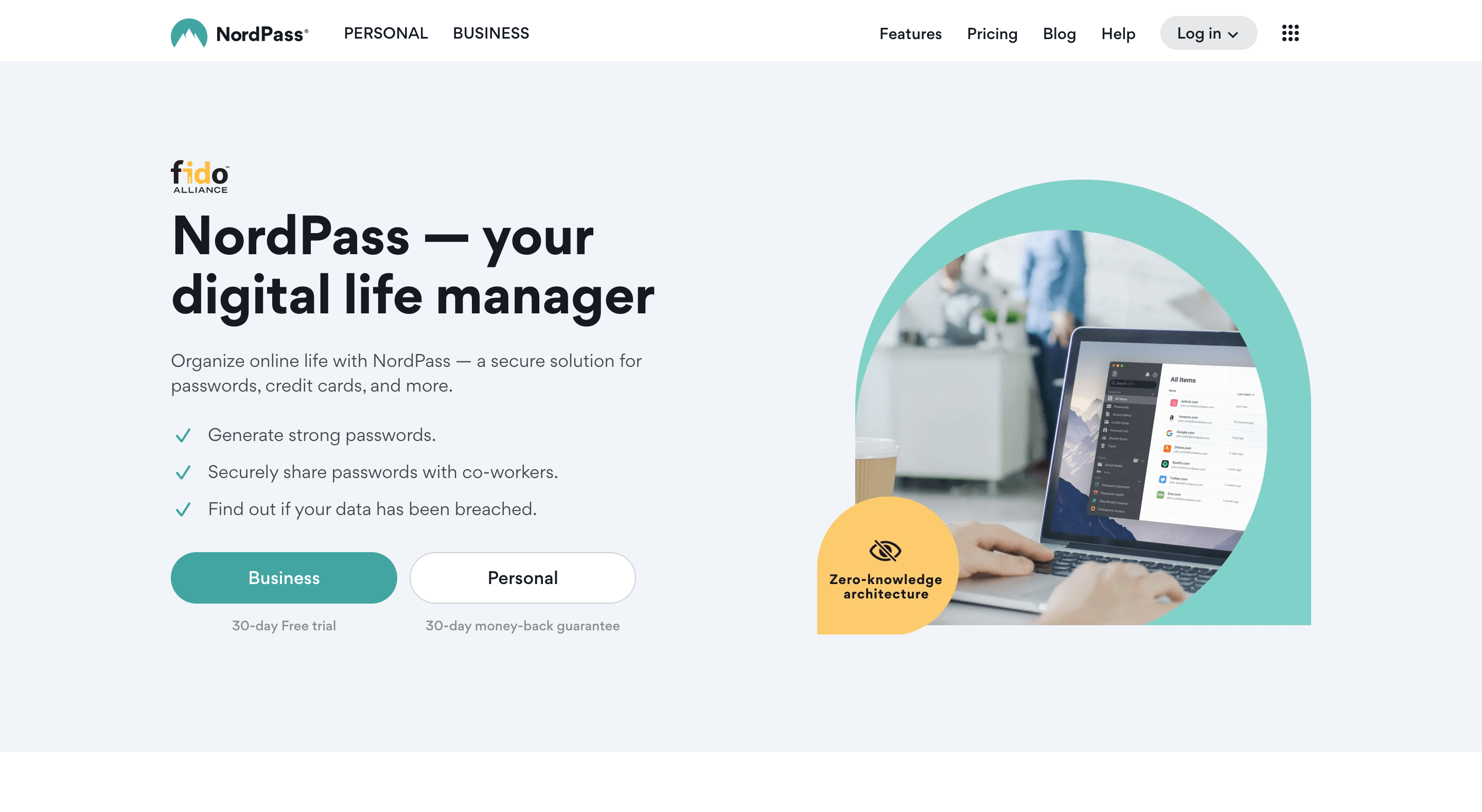
NordPass is one of the best password managers available on the market today. It provides a secure way to store and manage passwords, making it easier for users to access their accounts from anywhere in the world.
With its user-friendly interface and advanced security features, NordPass stands out as the leading choice among password managers.
With its zero-knowledge architecture and XChaCha20 encryption algorithm, NordPass ensures that no one but you can access your data.
Key features:
- Use on up to 6 different devices, including a desktop computer, laptop, tablet, or mobile device
- Password generator to create secure, unique passwords
- Securely share your passwords with other people
- Two-factor authentication, automatic back-ups, and multi-factor authentication
- Access your passwords even when you’re offline
- Support for passkeys so you can create, store, and use passwordless logins across all your devices
- Browser extensions to enable the autosave and autofill features
Pricing: The free plan is limited to one active device at a time but includes unlimited password storage plus autosave and autofill. Premium is a low-cost paid upgrade (typically around $2 per month on multi-year deals) and adds extras like data-breach scanning and secure password sharing.
2. Bitwarden
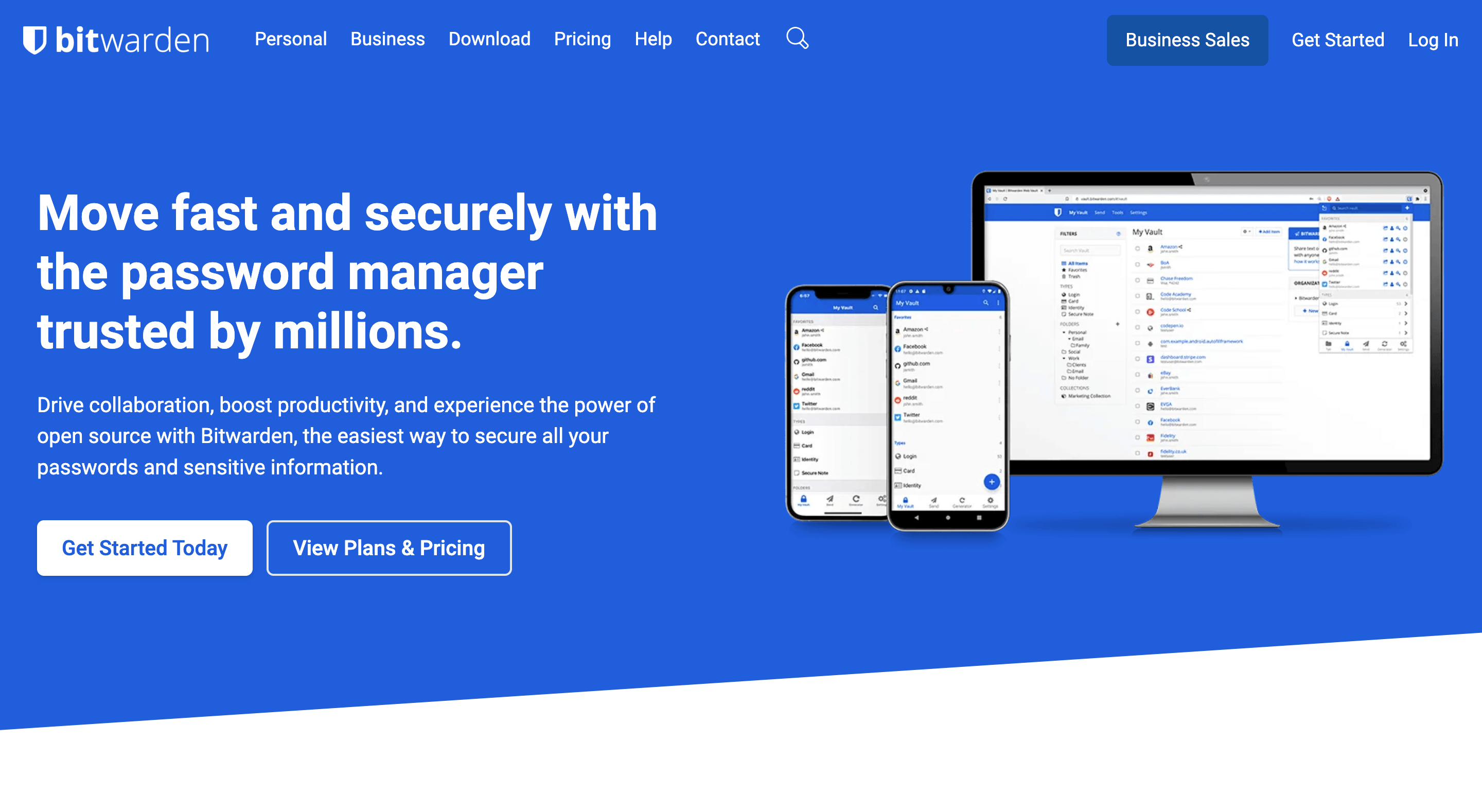
Bitwarden is an open-source password manager designed to help users securely store and manage their passwords.
It comes with features such as two-factor authentication, cloud synchronization, import/export capabilities, and the ability to securely share logins with others.
The Bitwarden system uses strong encryption protocols such as AES-CBC 256-bit encryption for your Vault data, and PBKDF2 SHA-256 to derive your encryption key, which ensures that user data remains protected at all times.
With its easy setup and intuitive design, it’s no wonder that Bitwarden has become a popular choice for both personal and business use.
Key features:
- Autofill forms, use biometrics, and generate strong passwords
- Syncs across multiple devices, including browser extensions
- Fully open-source and audited source code
- Easy sharing of passwords and others or teams who need access
- Built-in passkey support to unlock your vault and store/autofill passkeys
- Secure notes for storing sensitive information
- Two-factor authentication for added security
Pricing: Bitwarden has a generous free tier, with the option to upgrade to paid Premium plans that add features such as advanced 2FA, Bitwarden Authenticator, and more. As of 2026, Premium is around $1.65 per month billed annually (about $19.80 per year), with separate family and business tiers.
3. Zoho Vault
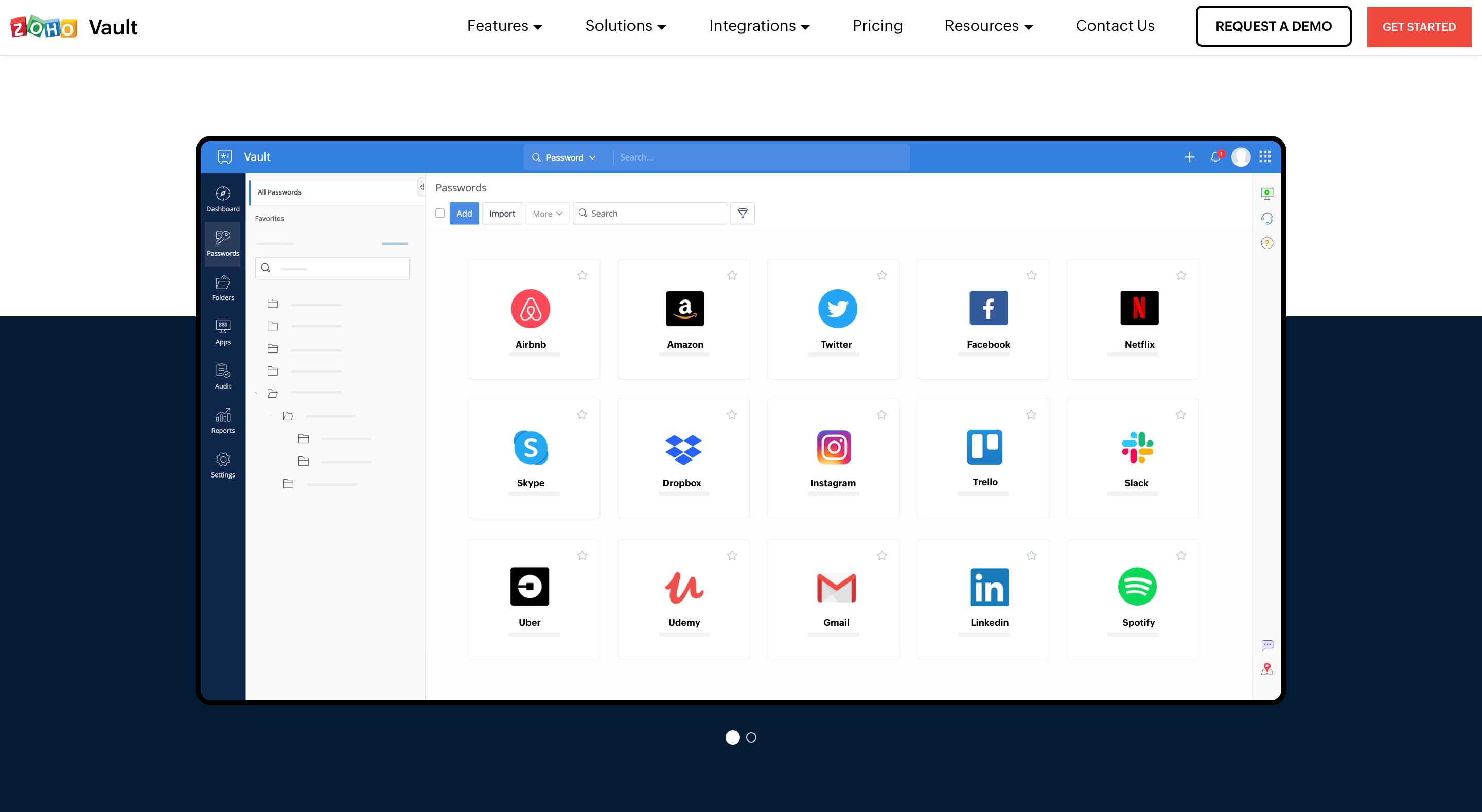
Zoho Vault is another secure password manager that helps businesses and individuals store, organize, and share passwords.
It also provides features such as two-factor authentication, password generator, auto-fill, and more. More than that, users can easily generate and store strong passwords for access to sensitive systems.
For individuals, the setup process for Zoho Vault is straightforward. All you have to do is create an account and provide a few basic details about yourself.
Once your account is created, you can start using Zoho Vault in no time. The best part is that Zoho Vault is free to use.
Key features:
- One vault to store both your personal and enterprise passwords
- Simplify login processes with single sign-on support
- Enable two-factor authentication for sign-in and access
- Easily share passwords with other users within the organization
- All your passwords are encrypted with the strongest encryption standard, AES-256
- Passkey management to create, store, and share passkeys alongside passwords across all Zoho Vault apps
- Browser extensions for popular browsers like Chrome, Firefox, Safari, Edge, and more
Pricing: Zoho offers a forever-free plan for individuals that includes one user, unlimited passwords, 2FA, and more. For businesses, Zoho Vault currently has several paid tiers starting from around $1 per user per month, with higher plans adding more advanced sharing and audit features.
4. LastPass
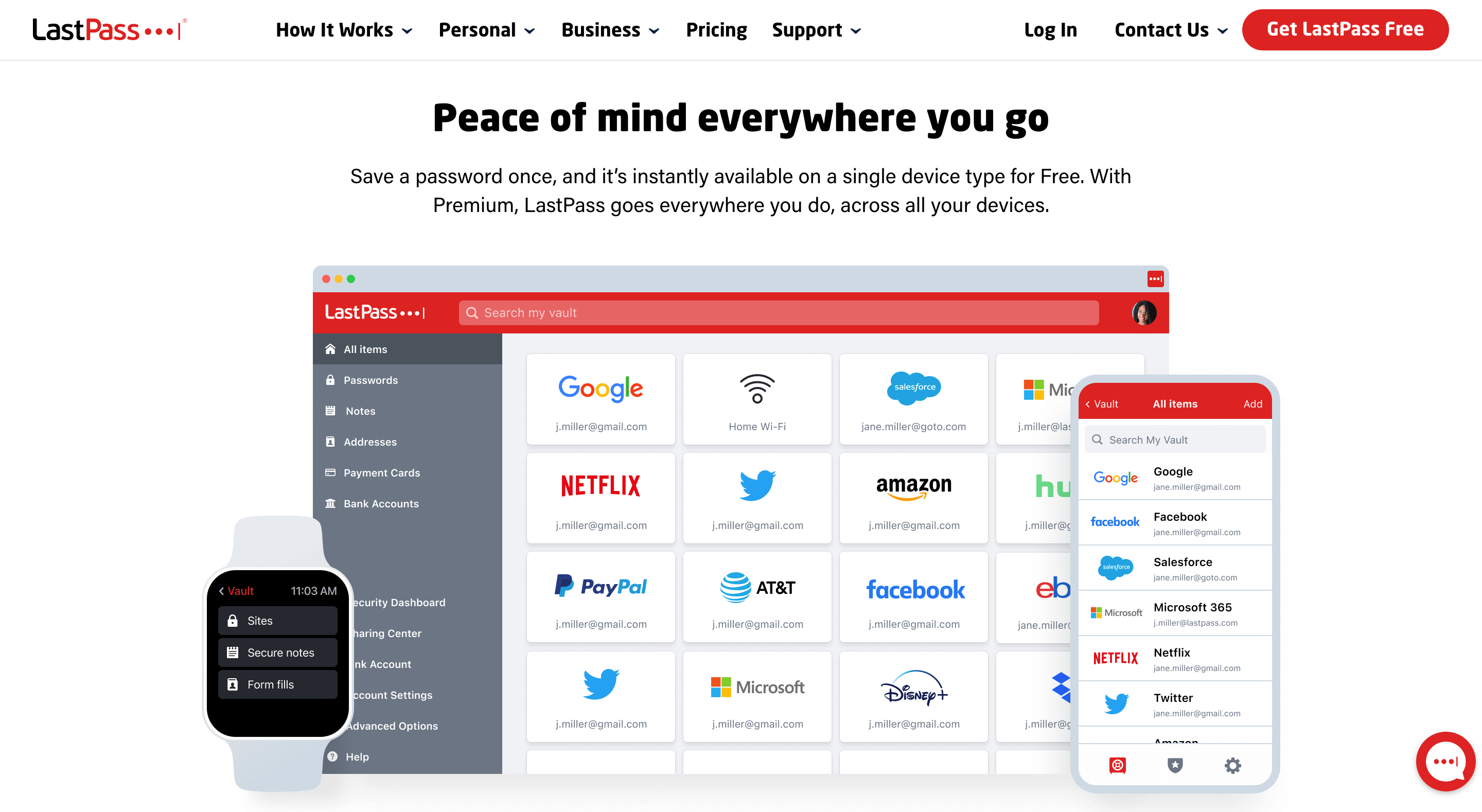
LastPass is another password manager that helps people store, manage, and securely access their passwords.
It allows users to save all of their passwords in one place, stopping the need to remember multiple usernames and passwords for various websites. It also acts as a digital vault for personal data, including payment cards and bank information.
LastPass can be used across multiple devices and operating systems like Windows, macOS, iOS, Android, and even Linux.
Additionally, it has browser extensions for Google Chrome, Firefox, Safari, and Edge browsers so users can easily access saved logins anytime they are needed.
Key features:
- Built-in password Generator to provide strong, unique passwords
- Auto-fill login information on any website, saving you time and effort
- Add notes to store sensitive data such as insurance cards, prescriptions, or Wi-Fi passwords
- Create, store, and use passkeys in your LastPass vault for passwordless logins across all your devices
- Check for weak or reused passwords
- Multifactor authentication to add an extra layer of security
- Securely share passwords with family, friends, and colleagues
Pricing: The basic plan is free and provides basic password management features. The Premium Plan costs about $3/month, and the Families Plan is around $4/month total and covers up to six users under a single subscription.
5. Dashlane
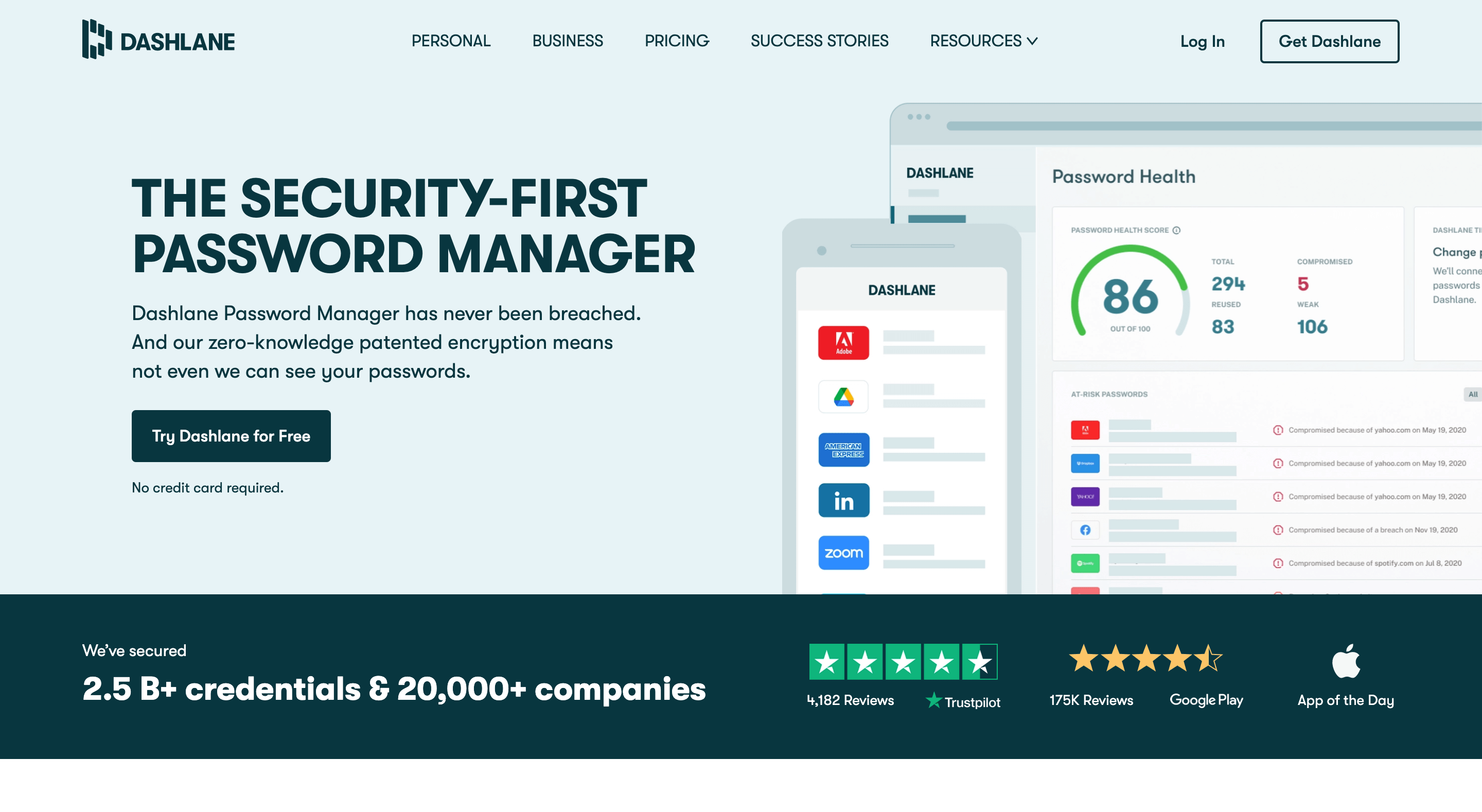
Dashlane is another option that can help you manage all your passwords with ease. It’s a paid, easy-to-use password manager and digital wallet that securely stores usernames, passwords, personal information, payment details, and more.
The software has the ability to synchronize data across devices automatically, so you don’t have to manually transfer information from one device to another.
You can share passwords with family members or colleagues using their secure share feature, which allows for password sharing without revealing the actual password itself.
Key features:
- Available on multiple platforms, including Windows, macOS, Android, iPhone/iPad, and Chrome Browser extensions
- Share passwords and other data with family, friends, and colleagues securely.
- Automatically log into websites and apps
- Passkey support to create, store, and sync passkeys across devices for fast, passwordless sign-ins
- Monitor the Dark Web for any leaked credentials associated with your account
- Add an extra layer of security by requiring a second form of authentication to access Dashlane
Pricing: Dashlane no longer offers a permanent free plan for new users. Current personal plans are paid only (Premium and Friends & Family) with unlimited passwords and devices, and business/Omnix plans are billed per user per month.
What is the Best Password Manager for You?
When picking the best password manager for you, think about how strong the encryption is, how many devices it works on, how easy it is to use, what users say about it, and how much it costs.
A good password manager saves you time and keeps your accounts safe by creating secure, different passwords for every site you use and storing them in one place.
On the other hand, paid password managers offer additional features like detecting weak, reused passwords and even scanning the web for data breaches, which can further level up your online security.
So it is up to you to decide if you want to pay for a password manager.
Think about what you need and what you can afford. In many cases, paying for one can actually make sense.
If you are looking for a free password manager that has enough security, NordPass and Bitwarden are both excellent choices.
Whichever one you pick, these password managers give you a safe place to store your passwords and include many features to help protect your accounts.
Happy browsing!