
I’ve tested almost every website builder on earth over the last decade.
Different use cases, different budgets, and yes, some screw ups happened too.
So if you’re just sitting in front of a blank screen, it’s not you alone. You’re just at the spot where everyone gets stuck.
These seven are the ones I’d actually tell a beginner to try.
I’ll tell you what each one is good for, what it costs, and which I’d personally start with depending on where you’re at.
Disclosure: This post has affiliate links. I earn a commission if you buy, at no extra cost to you.
1. Wix: most design freedom for beginners
Wix is probably the most recognizable name on this list, and for most beginners, someone never created a website in their life and it’s the one with the most room to actually build something that looks intentional.
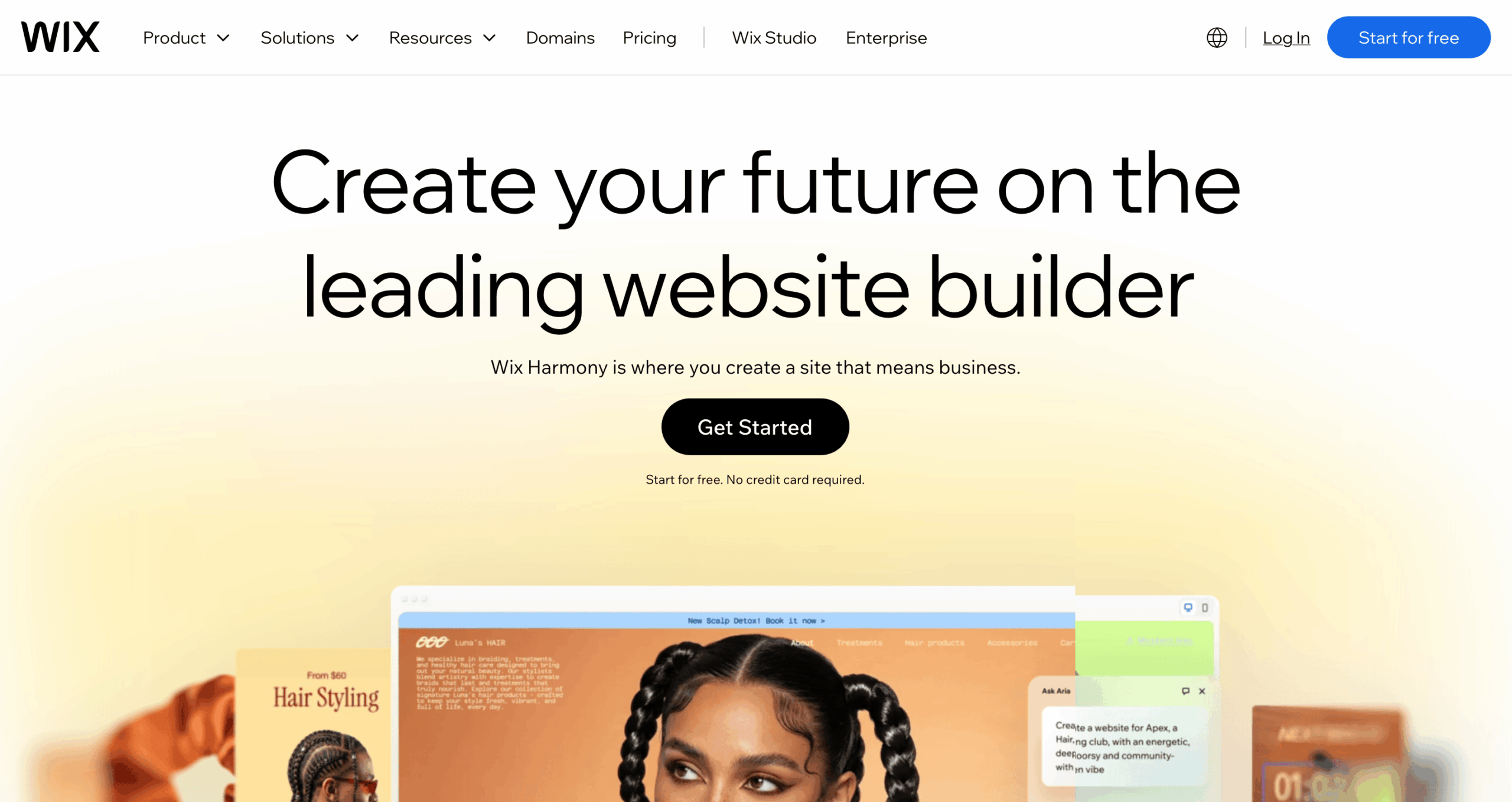
The editor is real drag and drop, you can place elements wherever you want, resize them, stack them, add scroll animations, video backgrounds, all works, perfectly.
I spent about two hours inside it once trying to build a fake site and got way further than I expected before I hit anything that annoyed me.
They also have an AI site builder now. You answer a few questions about your business and it builds a site for you, layout included, so it’s a good starting point if a blank canvas is the thing that’s been stopping you.
Key features:
- Drag and drop editor with real freedom over placement and design
- 800+ templates across different industries and use cases
- Wix AI builder to skip the blank starting point
- Blogging tools and customizable meta tags for SEO
- App Market with 300+ add-ons you can plug in
- eCommerce tools for products, services, or booking
Pricing: Free plan available, but your site runs Wix ads until you upgrade. Paid plans start at $17/month billed annually. If you need to sell anything, you’re probably looking at the $29/month plan.
2. Pixpa: best for photographers and creative portfolios
Pixpa the one I keep recommending to anyone building a portfolio site, photographers, designers, anyone whose work needs to actually look good on the page, not just function.
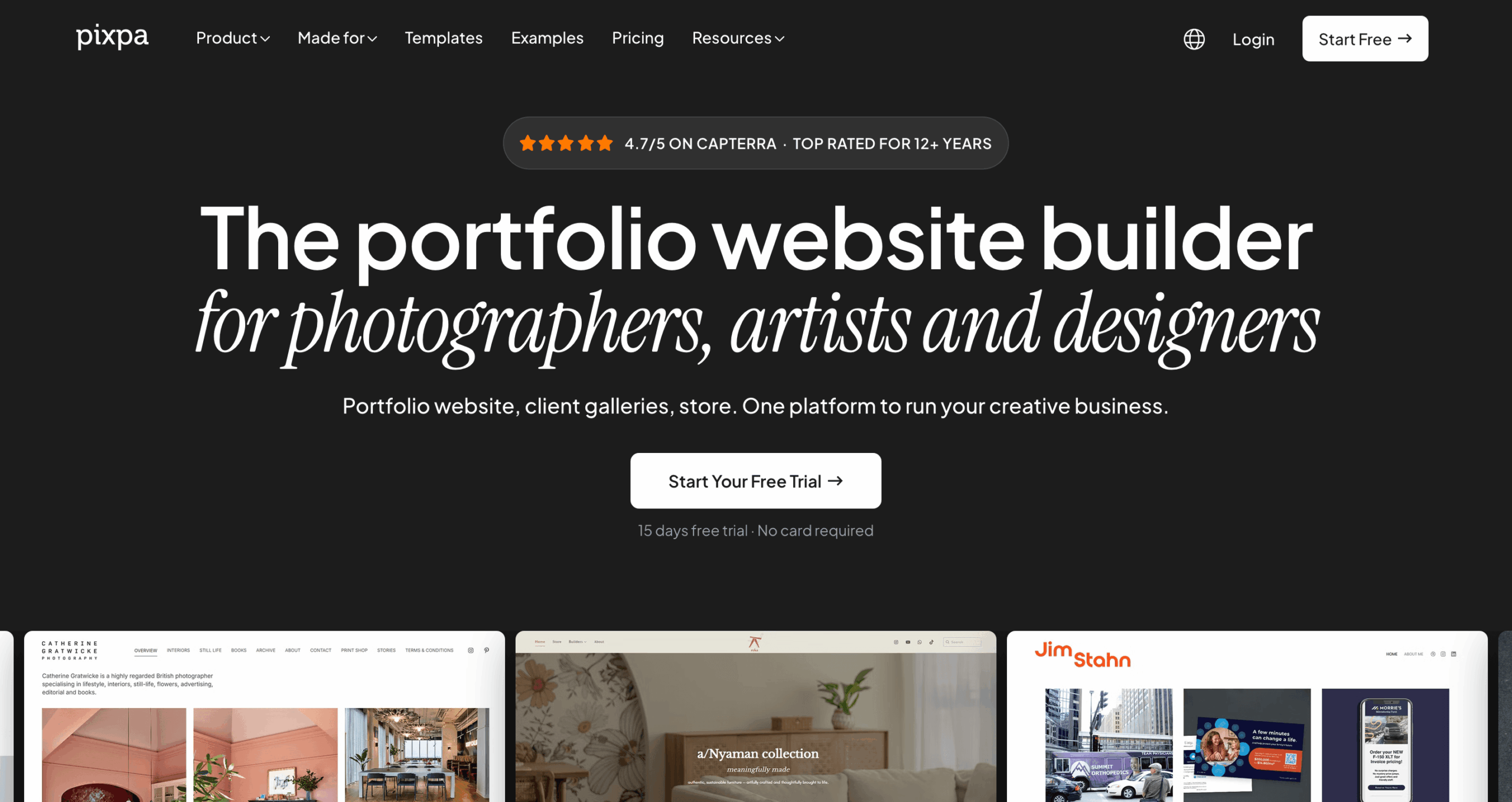
What sold me on it was the blogging side. Most beginner builders treat blogging and SEO like an afterthought tab buried somewhere.
Pixpa has it built in alongside marketing popups, payment forms, galleries, and over 50 integrations, including eCommerce support, so you’re getting all you need to run your creative business.
You get a 15-day free trial to try everything, and the best thing is, you can get a Pixpa expert to set your site up for you. That’s a nice backup if the idea of building anything yourself still feels scary.
Key features:
- Modern templates across a bunch of industries
- Client galleries to show off your work
- Custom CSS and HTML editing if you want to go deeper
- eCommerce store with popular payment methods built in
- Blogging and SEO tools
- Expert setup for a one-time charge
Pricing: 15-day free trial, then a 30-day money-back window after that. Paid plans start at $4.05/month billed every 2-years, or $9 month to month. If you’re running a small store, the $12/month 2-year plan is probably the one you want.
3. Shopify: best if you’re actually selling something
Shopify is the one to pick if you’re actually selling something and don’t want to burn your first month fighting a website instead of, you know, selling.

I set up a dummy store on it a while back, picked a free theme, added three made-up products, and connected a test payment gateway. Took about half an hour, and most of that was me overthinking product photos.
The dashboard actually shows you everything useful, too, where your traffic’s coming from, what’s selling, and what’s just there, you forgot. Good for figuring out if a launch is working or if you’re just refreshing the page, hoping.
Key features:
- Website builder with themes, plus full HTML and CSS access if you want it
- Multiple product variations (size, color, whatever applies)
- Multi-language store support
- Built-in SEO tools for product pages
- Shipping rates by fixed price, location, or however you want to set it up
- 100+ payment providers
Pricing: 3-day free trial, then $1/month for your first 3 months. After that, plans start at $39/month.
4. Weebly: best for trying it out before you commit
Weebly is where I’d point someone who just wants to play around without committing to anything yet. There’s a free plan, the builder is drag-and-drop, so no pressure.

You can build a blog, a store, a portfolio, basically whatever, and publish it for free on a Weebly subdomain. Thing is, your site will carry Weebly branding at the bottom until you upgrade, so it’s more of a “try before you buy” setup than a real forever free tier.
Once you do pay, you get a real custom domain, get rid of their branding badges, and the eCommerce tools actually become more usable for a small store.
Key features:
- Drag-and-drop builder, genuinely easy to pick up
- Decent templates across different industries
- Free subdomain to publish on
- eCommerce tools once you upgrade
- Blogging, forms, and basic SEO tools
- An app center for extra functionality
Pricing: Free plan available (with the Weebly tag in your footer). Paid plans start at $5/month.
5. Hostinger: the budget pick that doesn’t feel cheap
Hostinger is the long-term budget pick, and it earns that label without feeling cheap to actually use. Drag-and-drop editor, a decent template library, and their own AI builder option if you want to skip the manual setup.

You can start with a portfolio and grow it into a full store later, with payment methods included. You can chat with AI or choose a template, and there are also some extras AI tools bundled in, logo maker, background remover, and name generator, which is more useful than it sounds when you’re starting with literally nothing.
Key features:
- Template start or AI-generated start, your choice
- Custom domain connection
- Blogging tools and email signup forms
- AI extras: logo maker, image background remover, name generator, privacy policy generator
- Marketing integrations, including Google Analytics and Facebook Pixel
- eCommerce functionality to sell anywhere
Pricing: Starts at $2.99/month (billed every 2 years). If you’re running an actual small business, you’ll likely want the $3.99/month tier instead.
6. Squarespace: best when the site has to look finished
Squarespace is the one people go for when the site has to look like a finished thing, not a work in progress. The templates are actually good, made for specific professions instead of being one-size-fits-all.

It comes with email marketing, SEO tools, and social tools baked in, plus an eCommerce checkout that doesn’t feel bolted on. If you care about how your site photographs (screenshots, portfolio pieces, whatever), this is probably your pick.
Key features:
- Polished, profession-specific templates
- Custom CSS for deeper design control
- Gallery, video, and audio blocks for content
- Sell products, services, or subscriptions
- eCommerce-specific analytics
- Manage your site from the Squarespace app
Pricing: Plans start at $12/month billed annually. A small business will probably want the $17/month tier.
7. GoDaddy: best when you need something live this week
GoDaddy Website Builder is the fastest route to “something live.” It could be for a business, for yourself, or even a portfolio; it’s all the same. You can have a working version up in minutes.

It has professional themes plus built-in marketing tools, email marketing, blogging, and a content creator for social. It’s the one I’d recommend to someone who just needs a site to exist this week, not someone chasing a specific look.
If you care about every small design detail, this may not be the greatest fit, meaning it’s not built for that kind of control. Luckily for you, there’s a free plan and a 7-day trial on paid tiers, so you can see around before deciding it’s not your thing.
Key features:
- User-friendly builder with ready-made themes
- Search engine optimization is built in
- Blogging tools with email signup features
- Content creation tool for social posts
- Abandoned cart recovery for eCommerce
Pricing: Free plan with a free subdomain included. The basic plan starts at $9.99/month billed annually. eCommerce businesses will probably want the $14.99/month tier.
Which One Would I Actually Pick?
It really depends on where you’re starting from.
The business’s reputation, how easy the builder actually is to use, what features you need, and what it costs; all of that matters, and it weighs differently depending on whether you’re selling, blogging, or just need a digital business card.
If you genuinely don’t know where to start, I’d point you to Wix now.
Typing out what your business is and getting an actual starting site back, instead of staring at a blank template, wondering what goes where, removes the part that stops most beginners before they even begin.
If you’re building a portfolio and want something that looks intentional, Pixpa is still my pick. The price is fair, and the templates are good too.
And if selling is the whole point, Shopify is worth the higher price tag. Everything else on this list treats eCommerce as a feature or an add-on stuck onto a website builder.
On the other hand, Weebly, Hostinger, Squarespace, GoDaddy, all decent. None of them will embarrass you or make you regret it.
Pick one, set a timer for an hour, and just start.
You’ll learn more from twenty minutes inside the actual editor than from reading another comparison post, this one included.
Frequently Asked Questions
- What is the best website builder for beginners?
- Wix if you’re starting from nothing and want real design freedom from day one. Pixpa if you’re a photographer or creative. Shopify if you’re selling something.
- What is the easiest website builder for beginners?
- Weebly and GoDaddy are the simplest to pick up on day one. Less design control, but you won’t spend an hour figuring out where to click.
- Which website builder is free for beginners?
- Weebly, Wix, and GoDaddy all have free plans. The catch is your site will carry their branding until you upgrade, so it’s more of a trial than a real free forever option.
- Do I need coding skills to use these builders?
- No. Every builder on this list works without code. A couple of them, Wix and Hostinger, will actually build a starting site for you just from a written description.
- Which website builder is best for selling online?
- Shopify. Everything else on this list treats eCommerce as an add-on. Shopify built the whole thing around selling first.