
Are you tired of spending hours watching lengthy videos just to find the information you need?
Well, worry no more!
In this article, we’re going to introduce you to 8 AI-powered YouTube video summarizer tools that will save you valuable time.
Whether you’re a student or just someone who prefers concise information, these tools are here to make your life easier.
So, let’s dive in!
See What's Inside
1. ChatSonic

Chatsonic is an alternative to ChatGPT that includes real-time web search. Not only does it offer the ability to create concise summaries for YouTube videos, but it also comes with a ChatGPT-like interface. Generating exceptional summaries is as simple as copying and pasting the YouTube link.
Moreover, there’s a Chrome extension that can summarize any YouTube video you watch. It also works on any website you’re on. It has a free trial that allows you to generate 50 summaries per day. You can also choose a paid plan, which is cheaper than ChatGPT and offers extra features.
2. Summarize.tech
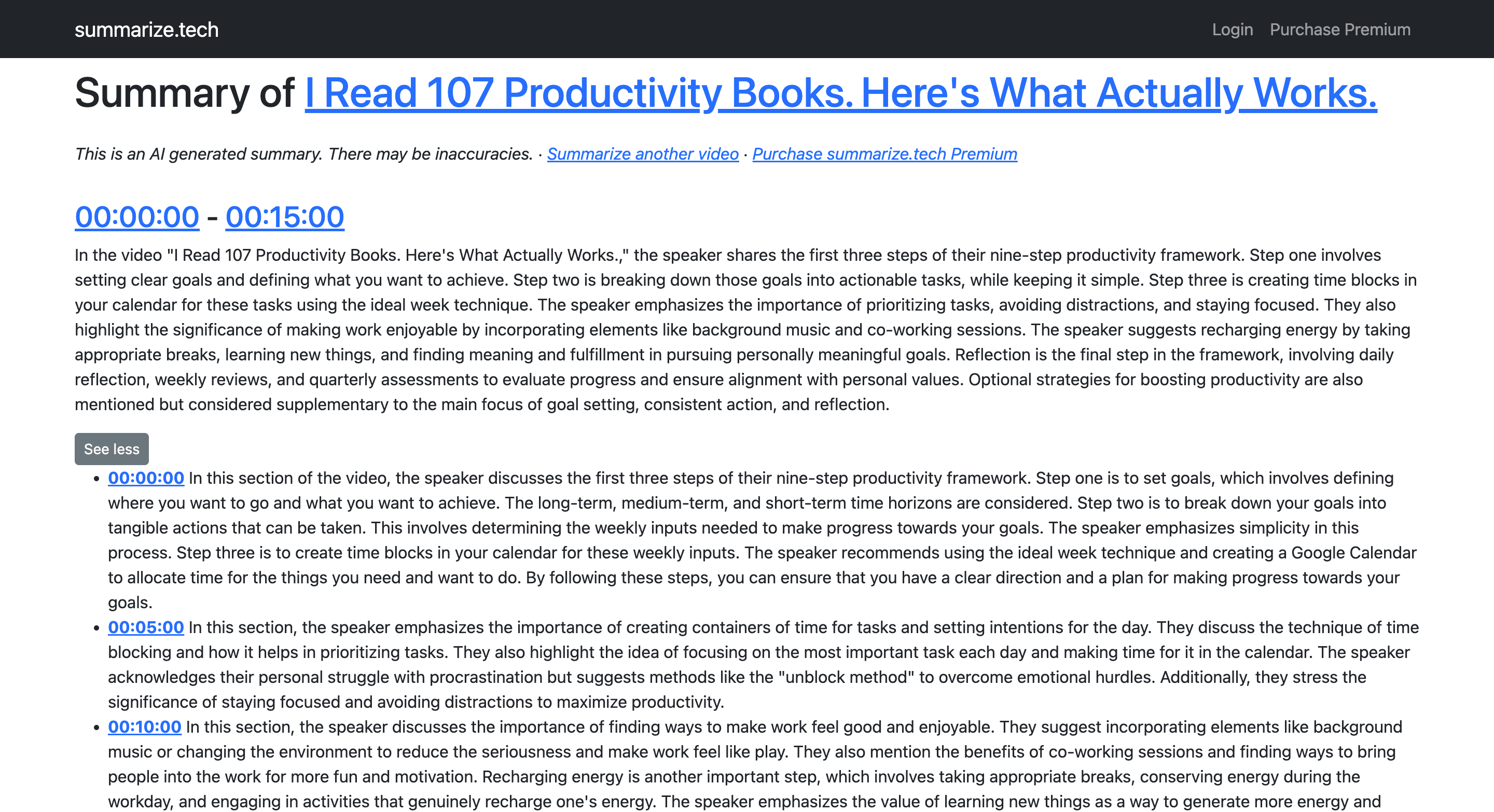
Summarize.tech is a fantastic YouTube video summarizer for all you time-savvy viewers out there who love watching YouTube videos but don’t always have the luxury of time. This nifty website offers a quick and efficient way to summarize those lengthy videos into bite-sized chunks.
Whether you’re interested in the latest tech reviews, cooking tutorials, or motivational speeches, this tool has got you covered. Simply paste the video link into the designated box, hit the submit button, and voila!
3. ChatGPT Summary for Websites and YouTube Videos
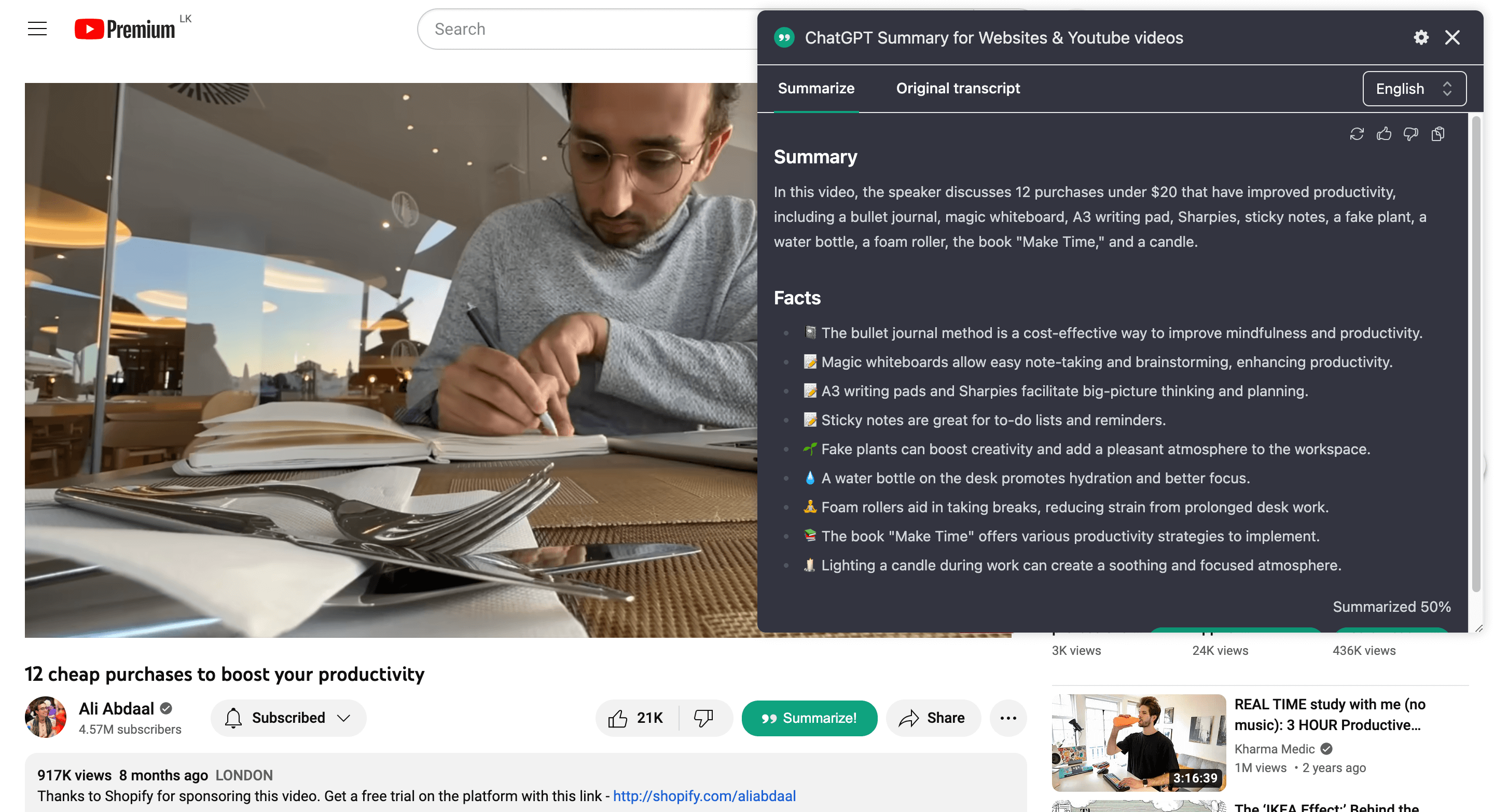
ChatGPT Summary is an awesome Chrome extension for summarizing websites and YouTube videos. It’s perfect for time-savvy viewers who want to quickly get the main points without watching the entire video.
Simply install the Chrome extension and authorize your ChatGPT account to use it, and you’re good to go. To summarize a YouTube video, open any YouTube video, click on the ChatGPT Summary extension, and let it work its magic.
4. YouTube Summary with ChatGPT
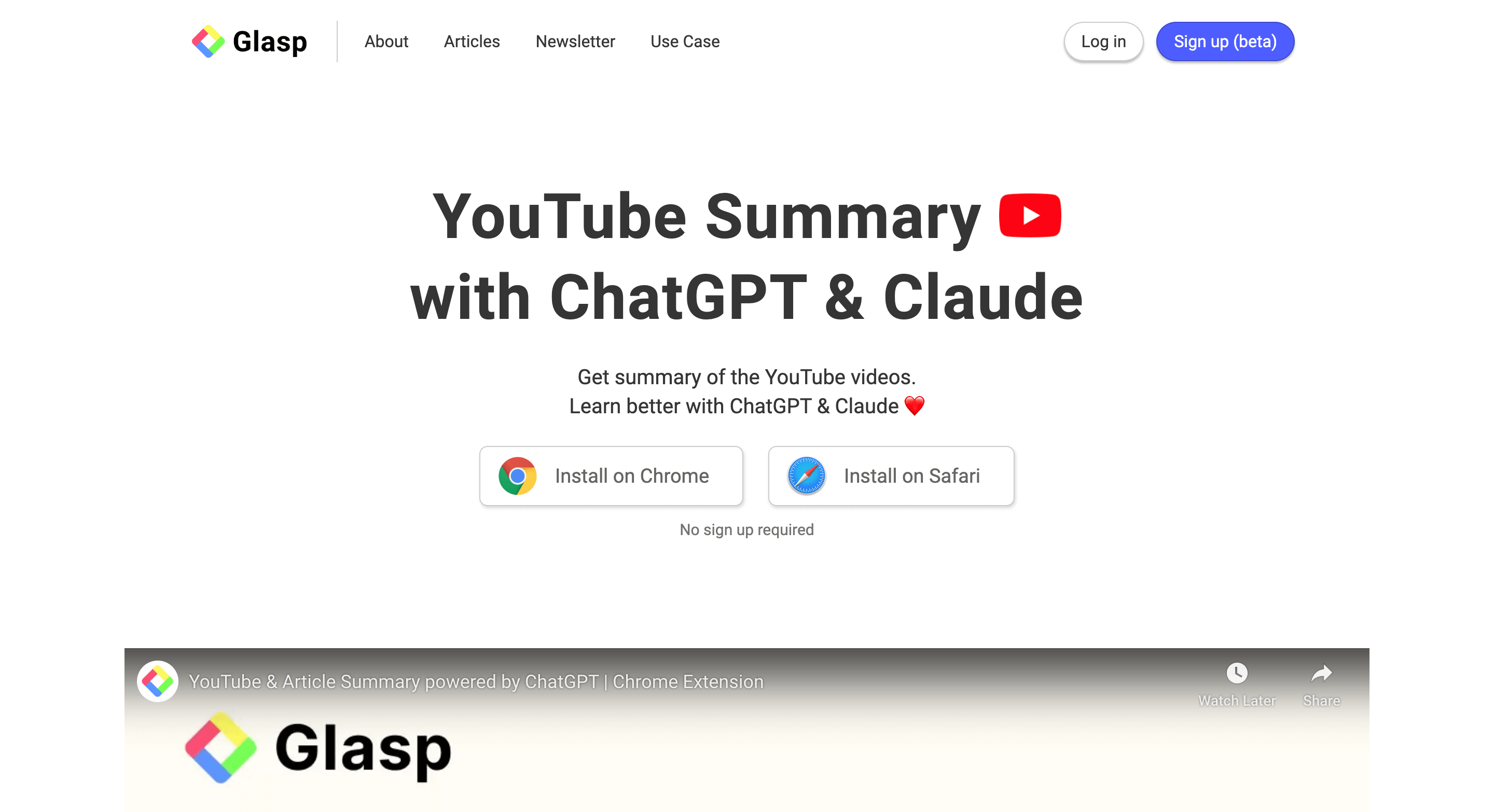
YouTube Summary with ChatGPT is another tool that can make your YouTube-watching experience even better! With this free Chrome Extension, you can quickly access the summary of the YouTube videos you’re watching.
To start using this, simply install the extension and then click on the ChatGPT icon next to the YouTube video you’re watching to get a concise summary.
5. YouTube Summarizer
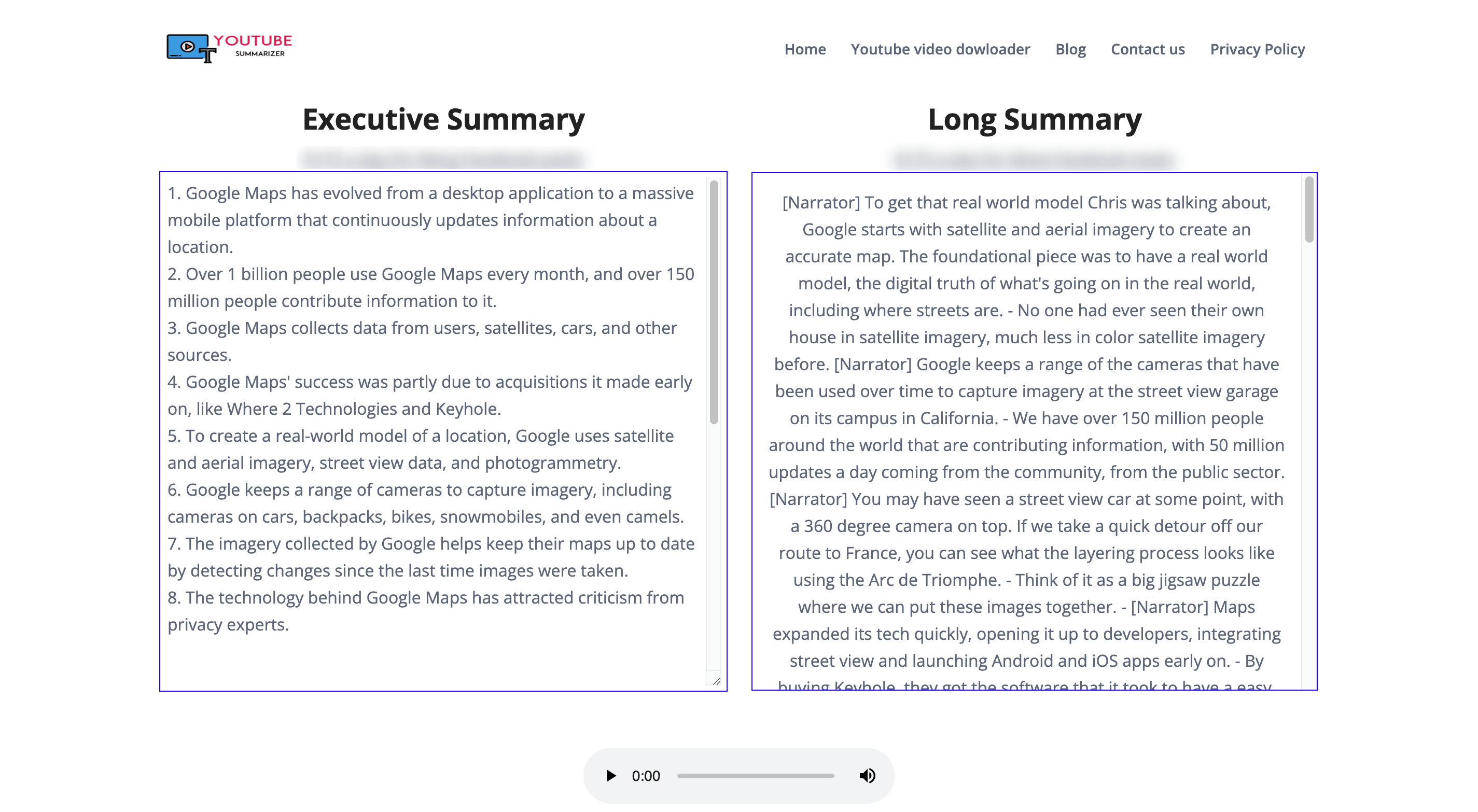
YouTube Summarizer is a cool website that can help you save time and effort when watching YouTube videos. With its user-friendly interface, you can easily summarize lengthy videos into shorter, more concise versions.
Simply paste the link of the YouTube video you want to summarize and choose the size of the summary you prefer. Whether you’re looking for a quick overview or a detailed summary, YouTube Summarizer has got you covered.
6. Glarity
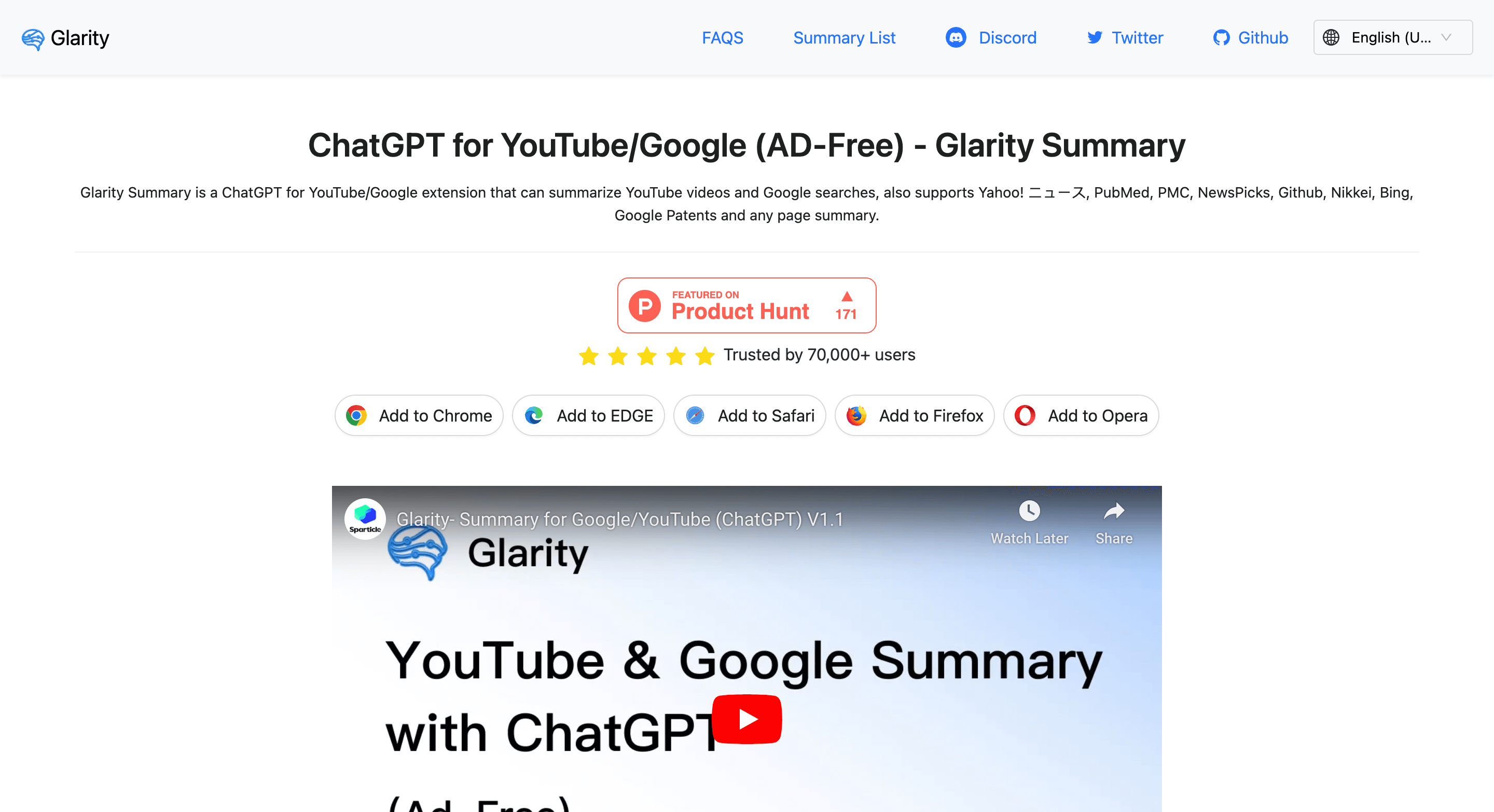
Glarity is a tool that can greatly simplify the process of summarizing YouTube videos. With its user-friendly browser extension available for multiple browsers, you can effortlessly generate summaries while watching your favorite videos.
To get started, simply install the extension and make sure you have a ChatGPT account. Once you’re all set up, Glarity will work its magic and provide you with concise and informative summaries of the videos you watch.
7. Upword
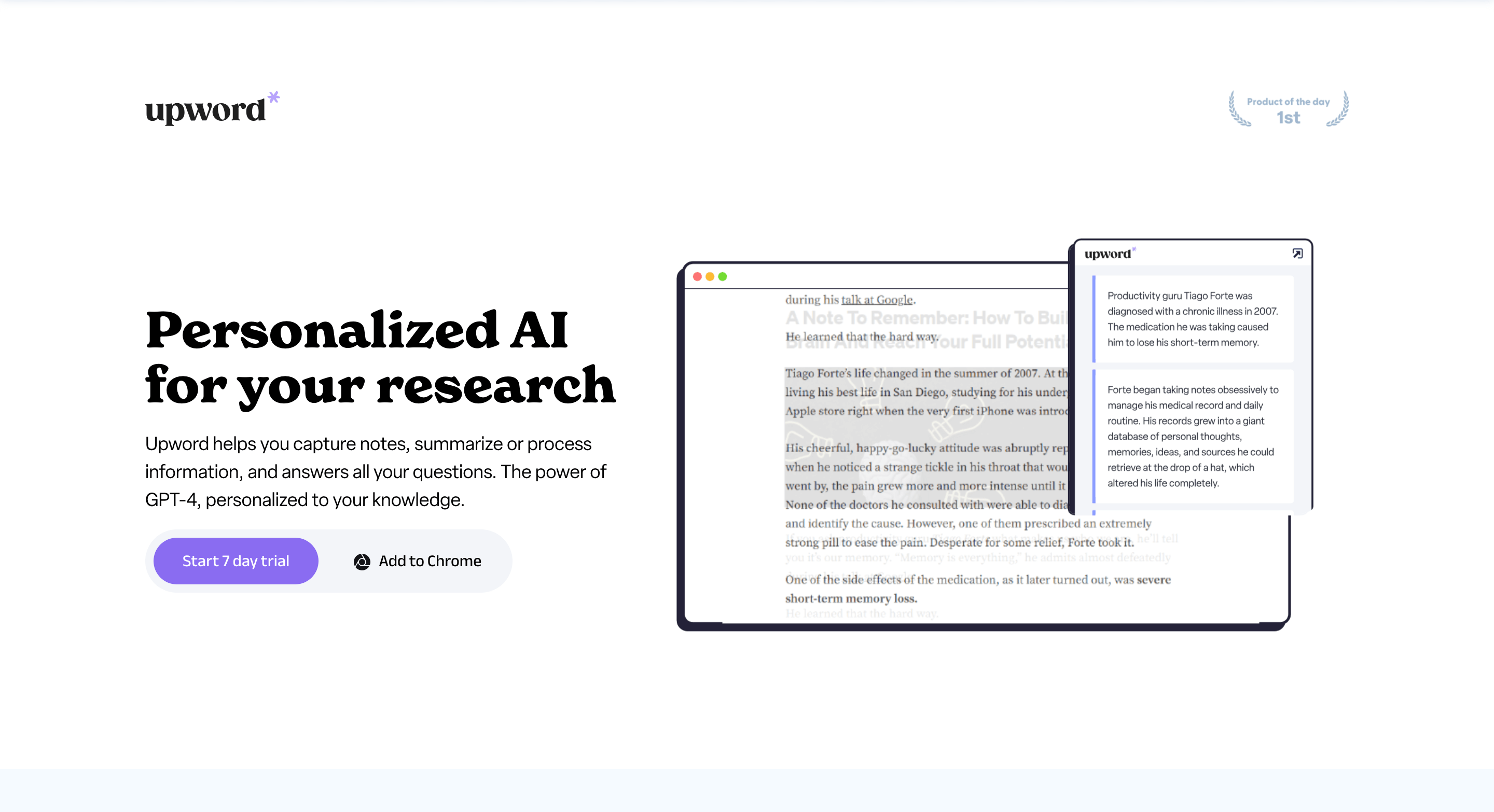
Upword is another Chrome Extension for summarizing YouTube videos! It’s super easy to use and has a nice interface that makes the whole process a breeze. However, it’s not free, but no worries, because it does come with a 7-day free trial.
To get started, all you have to do is install the Upword extension and create an Upword account. From there, you can start summarizing any YouTube video with just a few clicks.
8. Video Highlight
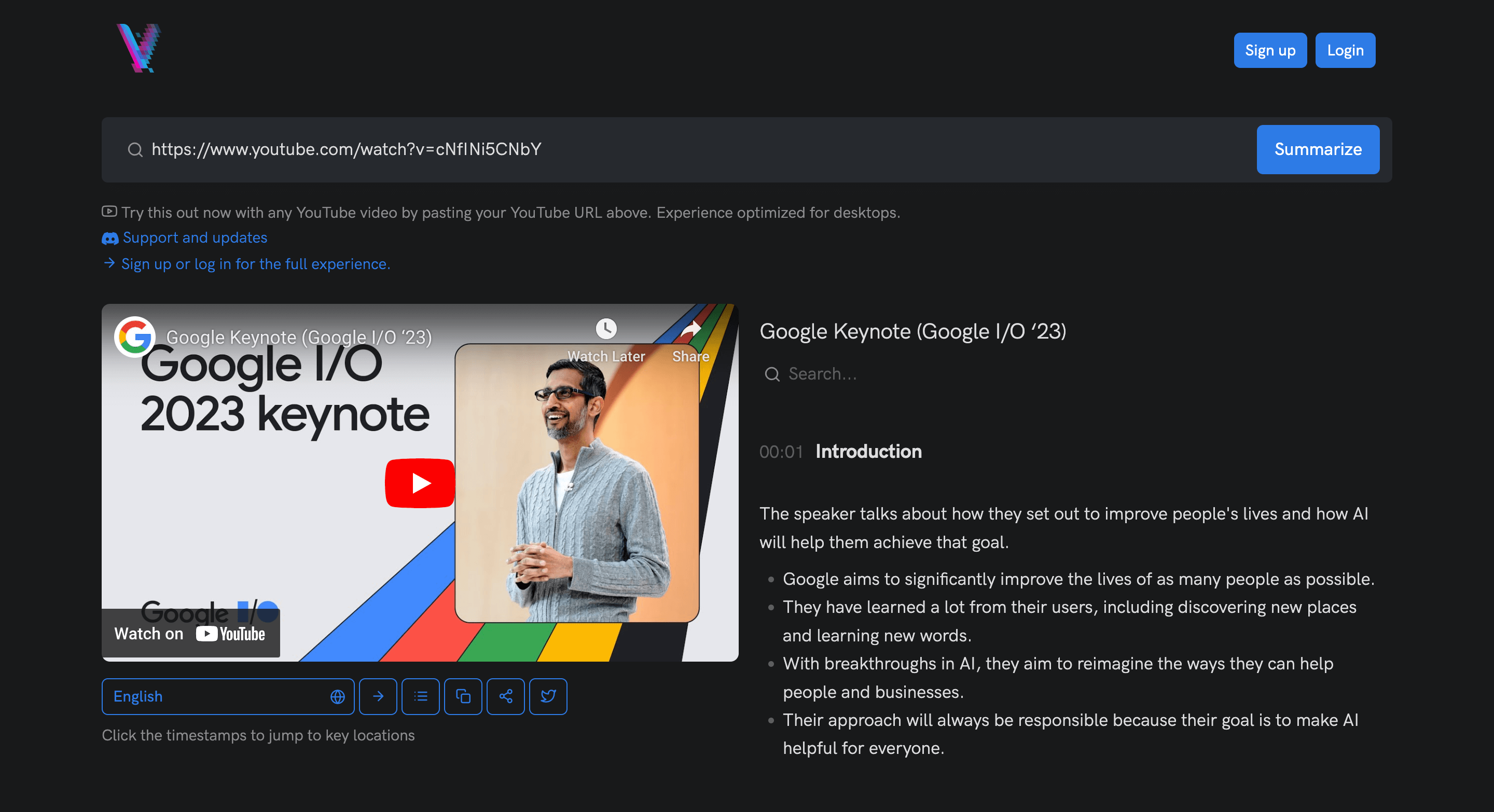
Video Highlight is a simple website that offers a hassle-free way to summarize YouTube videos. One of the notable features of Video Highlight is its user-friendly interface, which makes navigation a piece of cake.
All you have to do is copy and paste the YouTube link into the website, and you’re good to go. No complicated steps or confusing options, just a straightforward way to get the highlights of any video.
Takeaways
If you’re someone who loves watching YouTube videos but often finds yourself short on time, these 8 YouTube video summarizer tools are definitely worth trying out.
With their ability to shorten lengthy videos into concise summaries, they can help you consume content more efficiently and stay up to date with your favorite creators.
So go ahead and give them a shot, and let them help you make the most out of your YouTube experience.
Happy video-watching!

