Pinterest has changed a lot.
More ads, more AI recommendations, and less of the stuff you actually went there for.
If you’re looking for Pinterest alternatives that feel calmer, more focused, or just different, you’re not alone in that.
Thousands of users are quietly moving to other platforms.
In the last few weeks, I tested over ten Pinterest alternatives to find the ones that actually work, like having better design inspiration, ad-free browsing, or a quiet place to save ideas without an algorithm pushing products at you.
Here are my top 12 Pinterest alternatives you can use in 2026 and a closer look at each of them.

1. Mix – best for discovering blogs, articles, and videos
Mix (which used to be called StumbleUpon) is a content discovery site that shows you articles and web pages based on what you like, but it’s not built the way Pinterest was built.
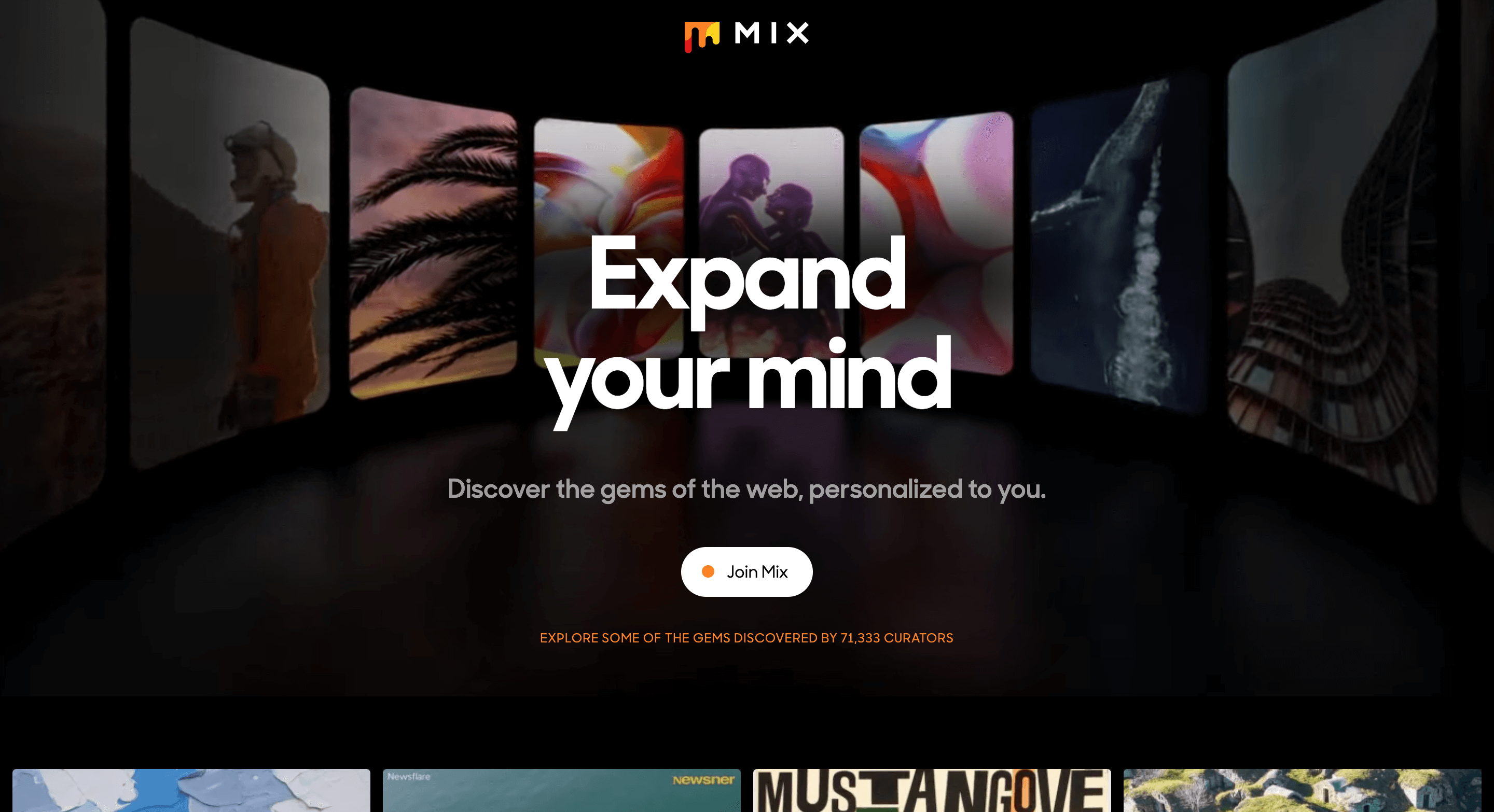
I tried this mainly to save inspiration for TalkBitz content. The first few days felt random. It took a while before the feed started showing things I actually cared about.
But once it learned my taste, it got better.
It helps you find lots of content that matches what you really like through endless images, articles, and videos about your favorite topics.
But Mix isn’t just another website with pretty pictures; it’s more than that, because it uses algorithms to figure out what you might enjoy, and shows you more of that content, so it gets better at showing you exactly what you want to see.
You can even create collections of your favorite finds to check them out later or share with friends. Just don’t expect it to be useful from day one.
What’s good: The algorithm actually gets better the more you use it. Good for discovering articles, videos, and blog posts you’d never find on your own. Collections work like Pinterest boards but feel less cluttered.
What’s not: The first few days are rough because the feed shows random stuff before it learns your taste. It’s more about reading content than saving visuals, so it won’t replace Pinterest if images are your main thing.
2. Are.na – best for deep research without ads or algorithm
Are.na is the Pinterest alternative that designers and researchers talk about in private. It’s a minimalist platform where you save “blocks” of images, text, links, and files into themed “channels.”
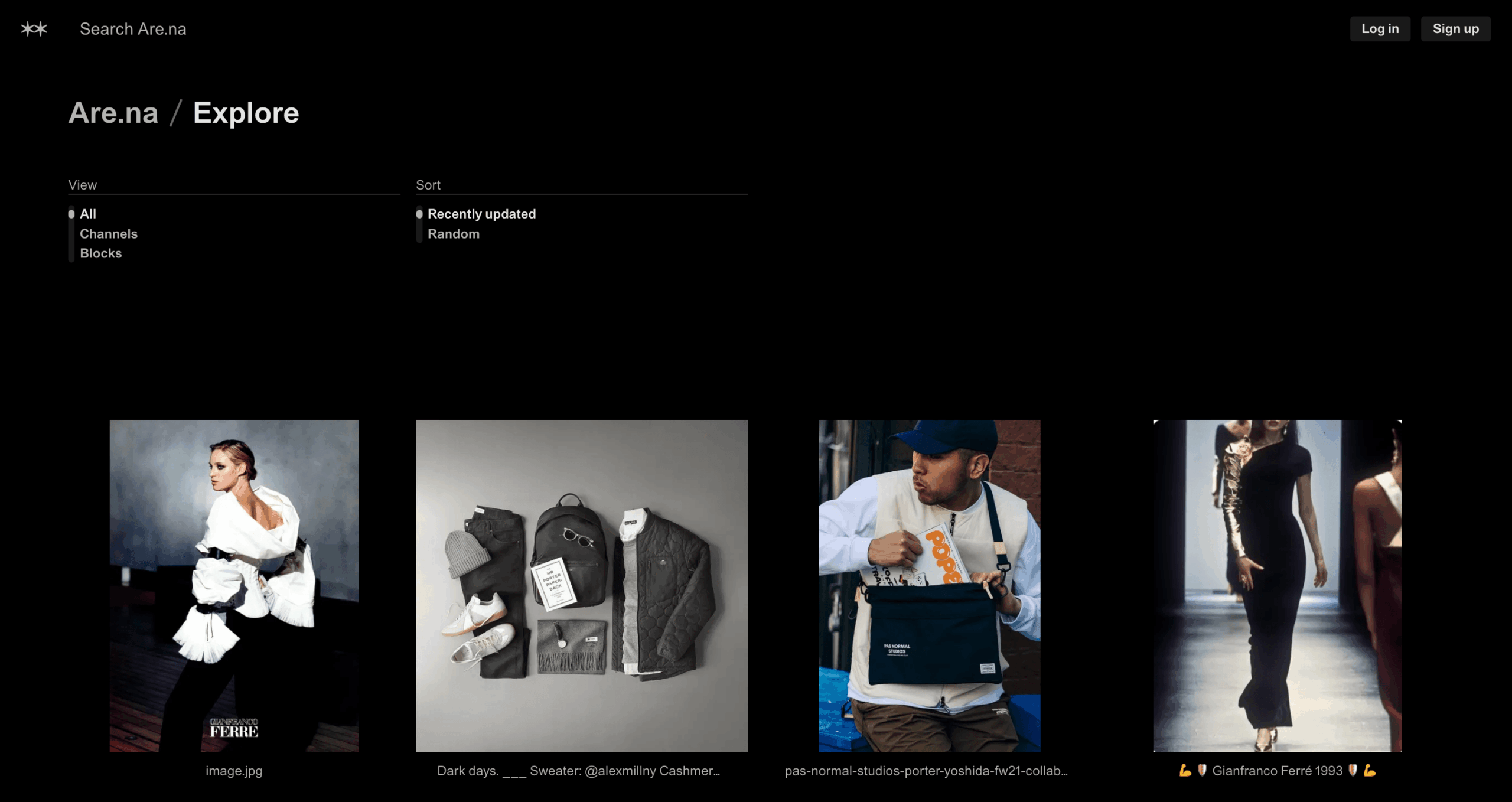
There’s no algorithm. No ads. No likes. Just quiet, human curation.
I found Are.na when I was looking for a way to organize some design resources that weren’t just saving links in a Pinterest board. What surprised me was how other people’s channels became part of my research.
You can browse what others have collected and connect their blocks to your own channels, which creates this web of ideas you don’t get on Pinterest.
The interface is bare-bones on purpose. If you want pretty mood boards with big images, this isn’t it. But if you want a place to think out loud and connect ideas across topics, Are.na does that better than anything else I’ve tried.
The free plan gives you up to 200 blocks total. A block is anything you save, an image, a link, a text snippet, or a file. The paid plan starts at $7/month and removes that limit entirely.
Turn your saved ideas into products people can actually buy.
What’s good: No algorithm, no ads, no noise. The way channels connect to each other makes it genuinely useful for research and creative thinking. Popular with designers, writers, and academics.
What’s not: The stripped-down design can feel cold if you’re used to Pinterest’s visual richness. Discovery takes effort since there’s no recommendation engine pushing content to you. Not beginner-friendly at first glance.
3. Designspiration – best for design inspiration (with color search)
Designspiration is another alternative that helps you find design ideas. You can see it’s similar to Pinterest, but it focuses more on beautiful designs and artwork.
On this website, you’ll discover amazing artwork, photos, fonts, and other creative images that will get you excited about making your own designs, and it comes with thousands of high-quality visuals from talented artists around the world.
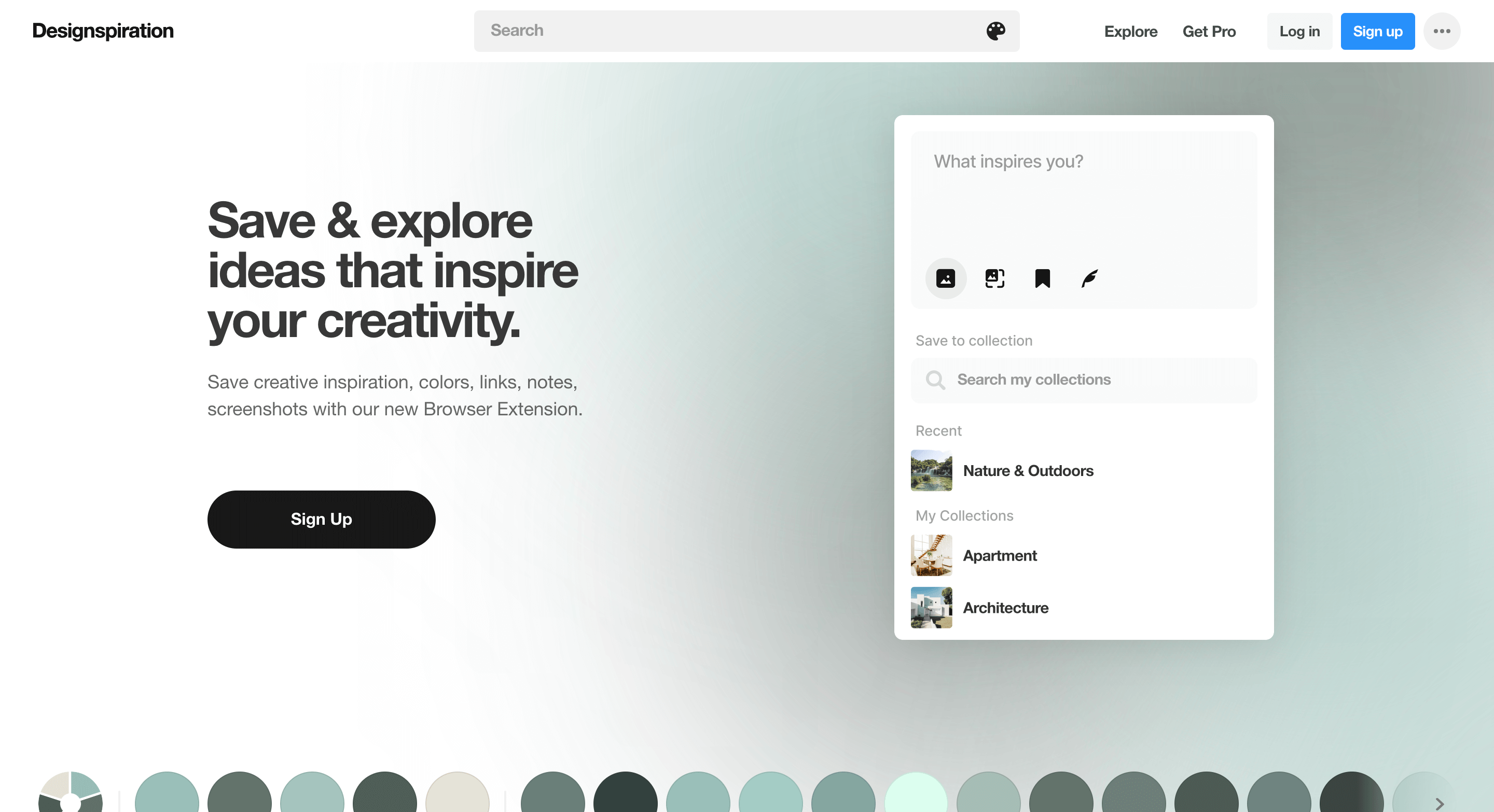
I’ve used Designspiration mostly for color palette research. You can search by specific colors, which is something Pinterest doesn’t let you do easily. That alone makes it worth bookmarking.
What makes it really great is that you can make your own account to collect and save ideas that you love, just like what you do on Pinterest.
You can also keep track of colors you like most, save links, write notes, and even take screenshots of anything that catches your eye on the Internet.
This is all possible because of their simple browser extension, which lets you quickly save things you find online.
What’s good: Color-based search is genuinely useful and something Pinterest doesn’t do well. High-quality design visuals without lifestyle or recipe content mixed in. The browser extension also makes saving fast and simple.
What’s not: The platform feels like it hasn’t been updated in a while. The community is small, so new content doesn’t show up as often as on Pinterest. No mobile app as well.
4. Dribbble – best for professional design trends
Dribbble is a place made just for designers to show their work. Think of it as an online space where designers can share what they make, meet other creative people, and get new ideas from what is popular right now in design.
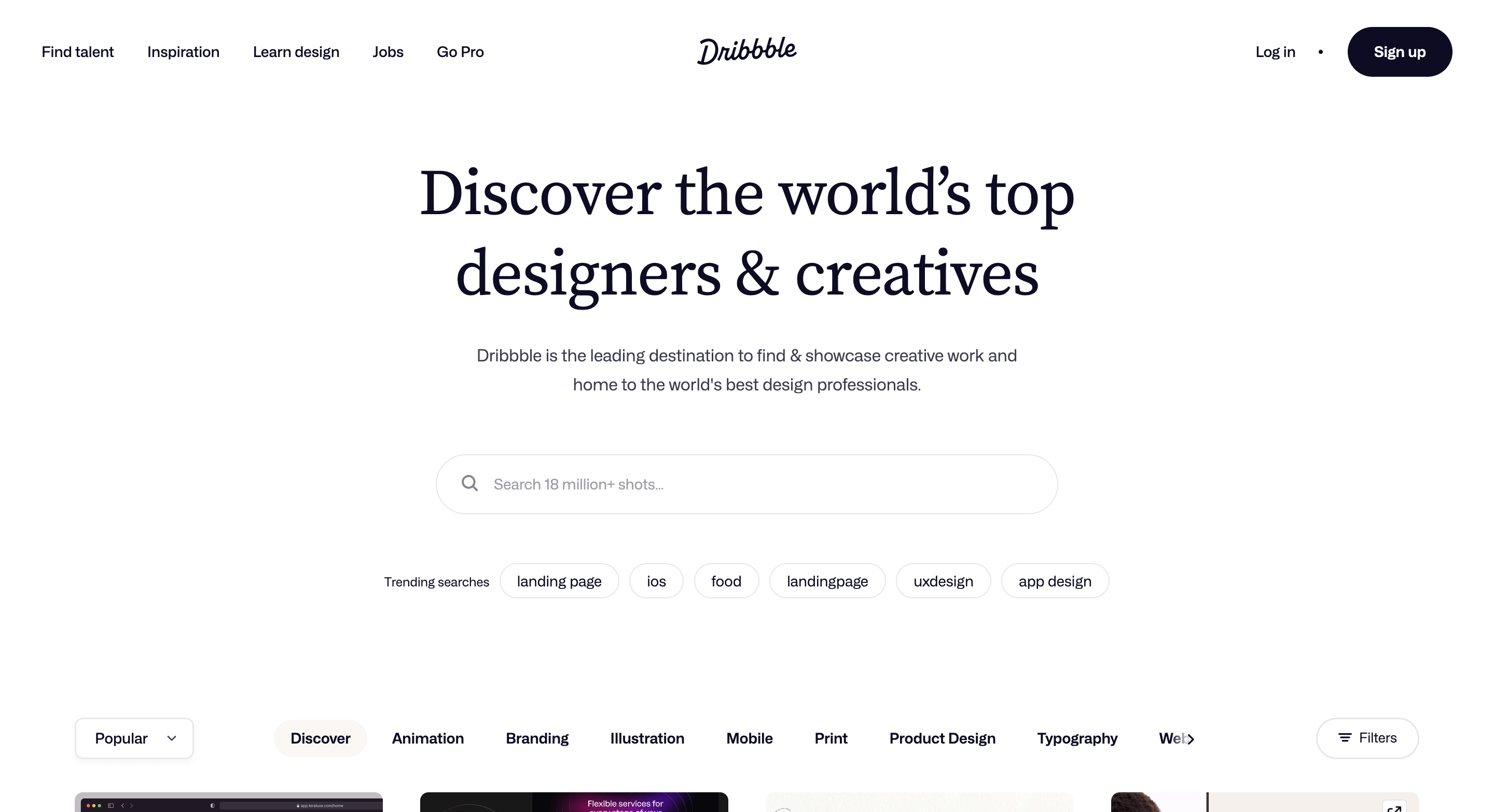
Even though I am not a designer, I love scrolling through designs at Dribbble just to see all the amazing art and designs people create because it always gives me new ideas and makes me feel creative.
There is no doubt that this is a must-try website that is full of fresh ideas and beautiful designs that will make you want to create something too, which is more than you can get from Pinterest.
What’s good: The quality of work is high because it’s a professional community. Great for spotting design trends early. You can filter by categories like UI, illustration, branding, and animation to find exactly what you need.
What’s not: It’s designer-focused, so if you’re not into design, most of the content won’t feel relevant. The free plan limits how much you can upload if you want to showcase your own work. It’s more of a portfolio site than an inspiration board.
5. Savee – best Pinterest alternative for Figma users
Savee is basically what Pinterest would look like if it were built by and for designers. It’s a visual bookmarking tool where you save images from the web, organize them into collections, and browse what other designers have saved.
The content quality is, from what I see, noticeably higher than on Pinterest because the community is mostly professional designers and art directors.
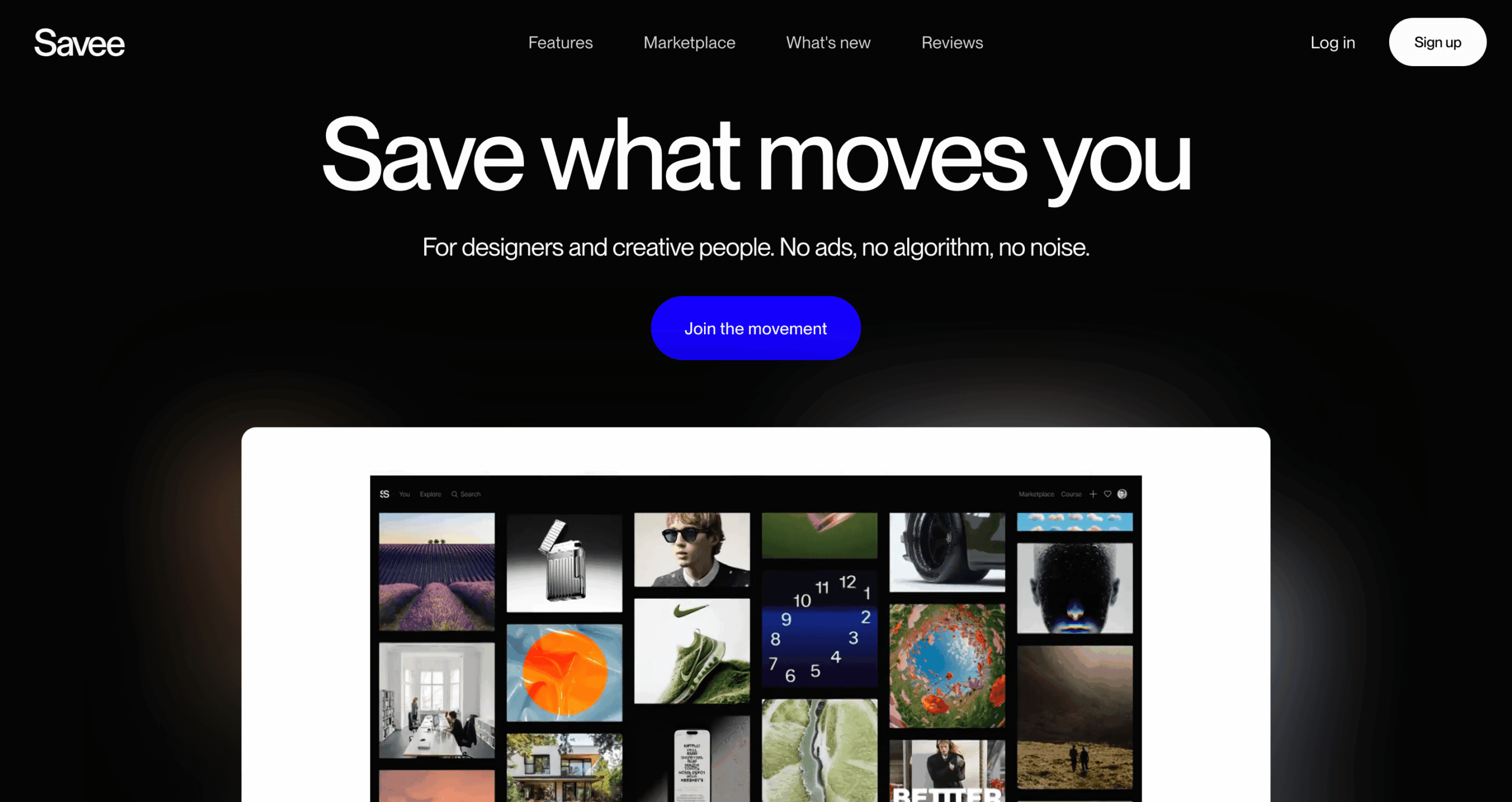
I tried using Savee to save UI design references and landing page examples. The Chrome extension makes it really easy to grab anything from the web.
What I liked most is that the grid layout puts visuals front and center without any text mess or promoted pins getting in the way it use it.
If you use Figma, Savee also has a plugin that lets you pull saved images directly into your design files. That’s a workflow shortcut you won’t find anywhere else.
The free plan gives you limited saves. The paid plan ($5/month) unlocks unlimited saves and private collections.
What’s good: Content quality is much higher than on Pinterest. The Figma plugin is a genuine time-saver. No ads, clean, has a minimal interface.
What’s not: It’s images only. You can’t save text, links, or notes alongside your visuals. The community is smaller, so you won’t find the same variety of topics you get on Pinterest. It’s really built for designers, not casual users.
6. Flipboard – best for saving articles, not just images
Flipboard is another alternative to Pinterest that I use all the time, but it has a different purpose.
Think of it as your own personal magazine that shows you only stuff you actually want to read and look at.
What’s really cool is that you get to pick what kinds of things you want to see. Love cooking? Add it! Into sports? Add that too!
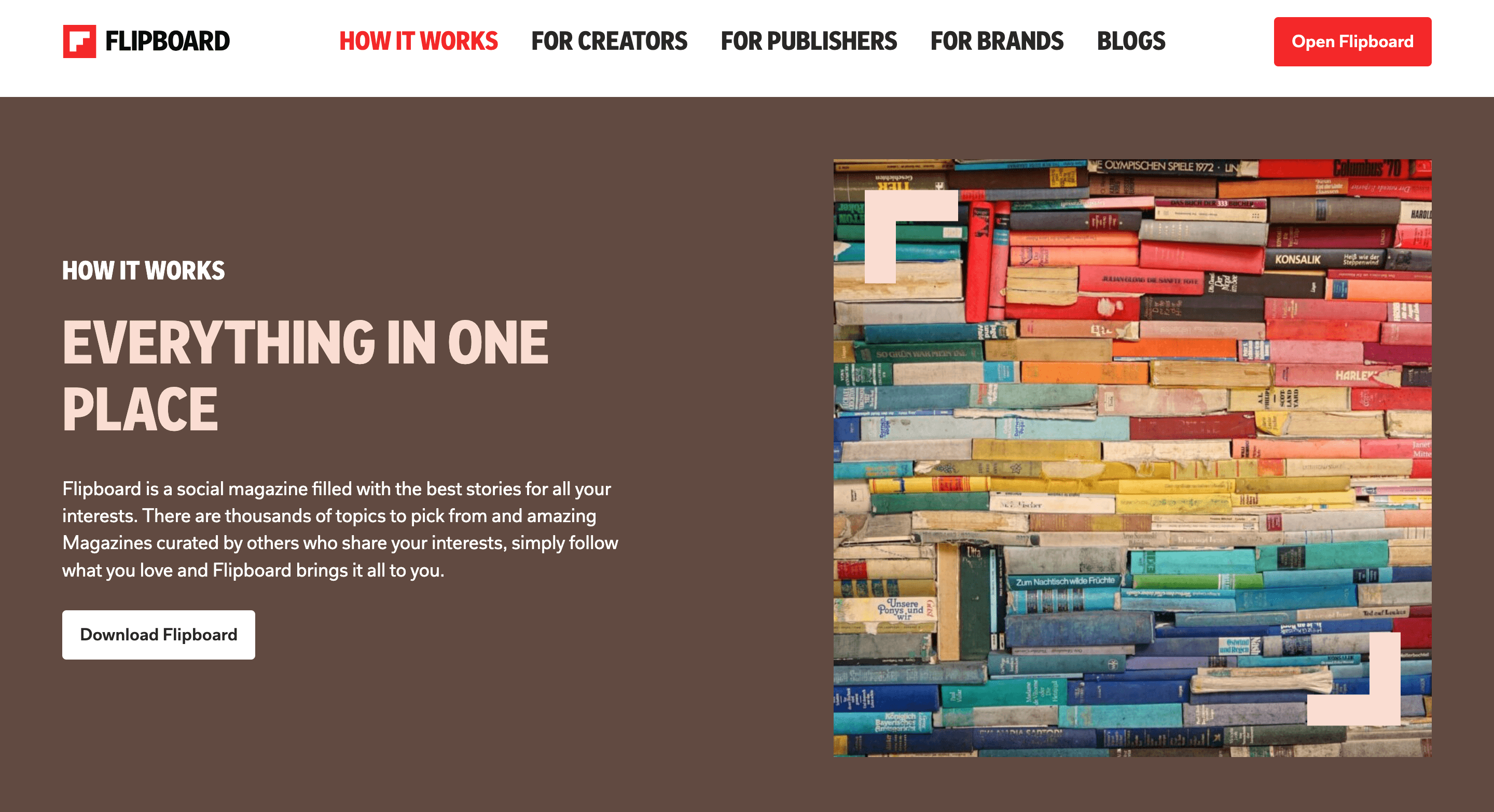
Flipboard will then show you the articles from around the world about those things that it thinks you’ll enjoy.
The best part is that you can even find other people who like the same stuff as you and follow them. And when you see something interesting but don’t have time to read it right then, you can just save it for later. Yes, the Pinterest vibe.
I tried sharing TalkBitz content on Flipboard to see if it brought traffic back. It didn’t, at least not noticeably. But I still use it to save articles and follow the topics I care about. For reading and saving, it’s great. For traffic, don’t count on it.
What’s good: The magazine-style layout makes reading content feel enjoyable. You pick your topics and get a personalized feed of articles, not just images. Great for staying informed on specific industries or interests.
What’s not: It’s built around articles, not visuals, so it’s a different experience from Pinterest. Ads do show up in your feed. And don’t expect it to drive traffic back to your own content if you share there.
7. Behance – best for portfolio-grade creative inspiration
Behance is Adobe’s platform for creative professionals to showcase their work. It’s not a clean Pinterest replacement at all, but if you use Pinterest mainly to find design inspiration, Behance gives you higher-quality, portfolio-grade work to browse.
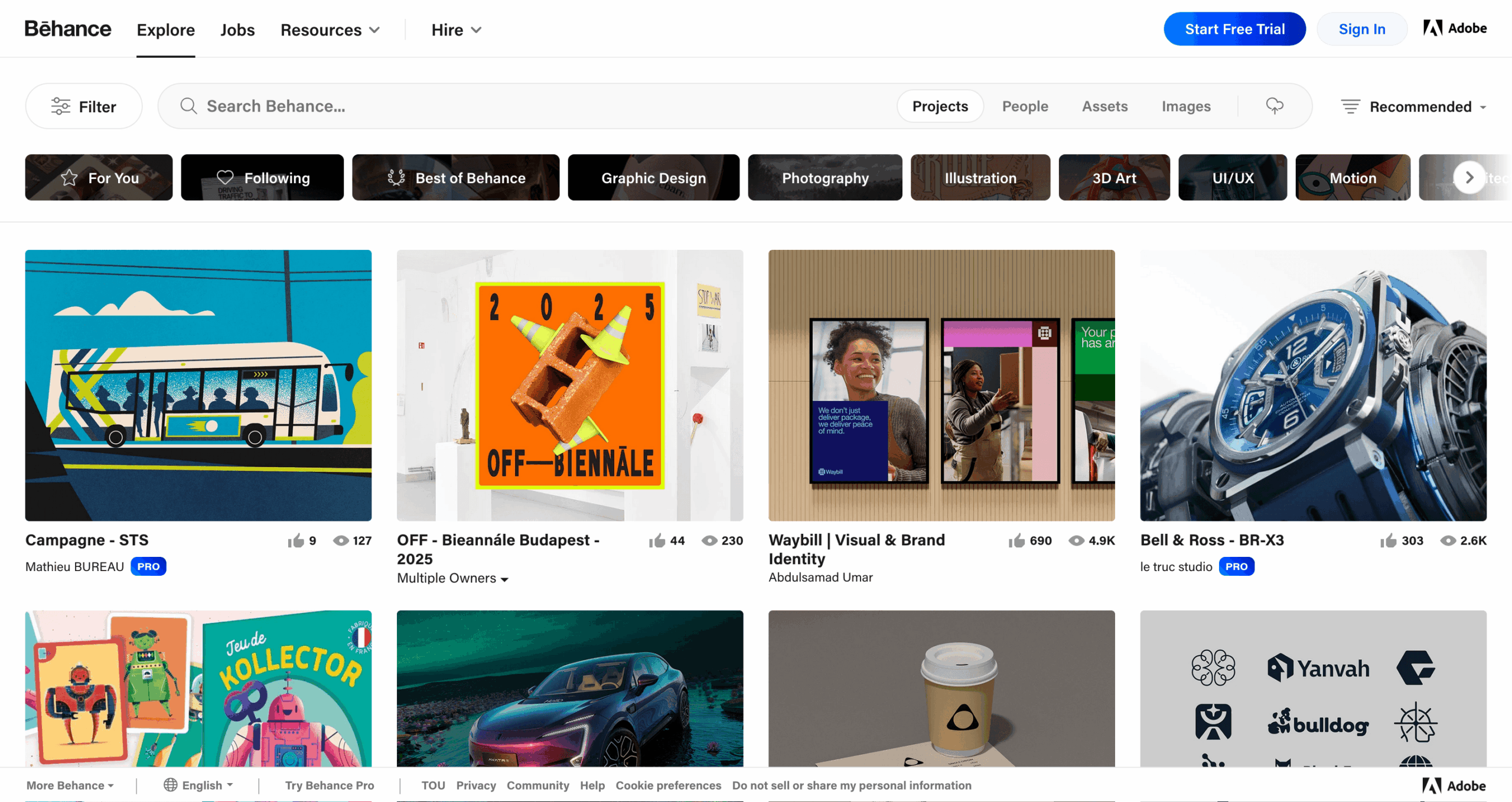
I go to Behance when I want to see how professionals actually do designs. I mean, that’s a place full of creative ideas for any type of project, showing the thinking behind the work.
You can explore projects by category (graphic design, illustration, photography, UI/UX, and more) and follow creators whose work you like the most.
The big difference from Pinterest is that everything on Behance is original work created by the person who posted it. It’s not repins, there is no reshared content, no AI-generated filler.
Most of the time, what you see is what someone actually made, and it’s completely free. You don’t even need an Adobe subscription to browse or create a profile.
What’s good: Completely free. Content quality is professional-grade. Full project case studies, not just single images. Over 24 million members there, so you never run out of inspiration.
What’s not: It’s built for showcasing finished work, not for saving or organizing your own inspiration. There’s no board or collection feature like Pinterest. And the focus is purely on creative professionals, so you won’t find lifestyle, cooking, or DIY content here.
8. Milanote – best for visual project planning and mood boards
Milanote is more of a visual workspace than a social platform, but it looks like it has a place to become a popular Pinterest alternative for people who want to organize ideas into mood boards for projects.
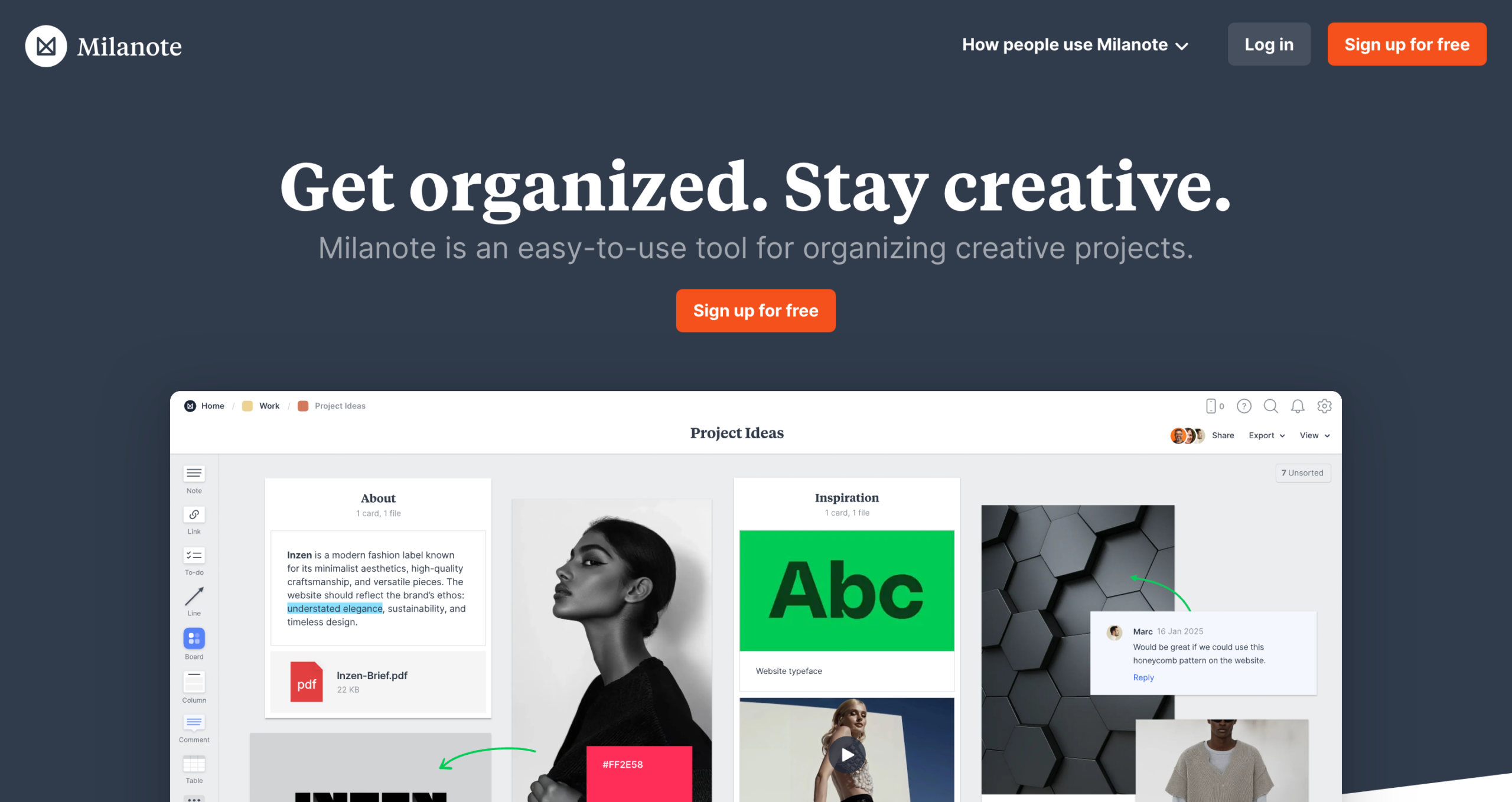
Think of it as a big digital canvas where you can drag and drop images, notes, links, color swatches, and files. You can arrange everything visually, which makes it great for planning a brand identity, designing a room, or mapping out content ideas.
I used Milanote to plan a friend’s wedding cards, and it felt more useful than Pinterest for that purpose because everything stays in one workspace.
On Pinterest, your saved pins are all over different boards. On Milanote, you can place everything for one project in a single canvas and shift things around until it works.
The free plan gives you up to 100 notes, images, and links. Paid plans start at $12.50/month.
What’s good: Great for actual project planning, not just browsing. The drag-and-drop canvas feels natural and flexible. You can share boards with clients or collaborators. Built-in templates for mood boards, storyboards, and creative briefs.
What’s not: The free plan is very limited (100 items fill up fast). It’s not a discovery platform, so you won’t find new ideas the way you do on Pinterest. And it’s more of a productivity tool than an inspiration feed, so it works for a different purpose.
9. Pearltrees – best for organizing a mix of files, links, and images
Pearltrees is a fun and easy way to save and share stuff online, working like a digital scrapbook where you can keep all your favorite things in one place.
It works like Pinterest in one key way; you save pictures, articles, and files into collections. But it feels more like organizing a personal library than scrolling a feed.
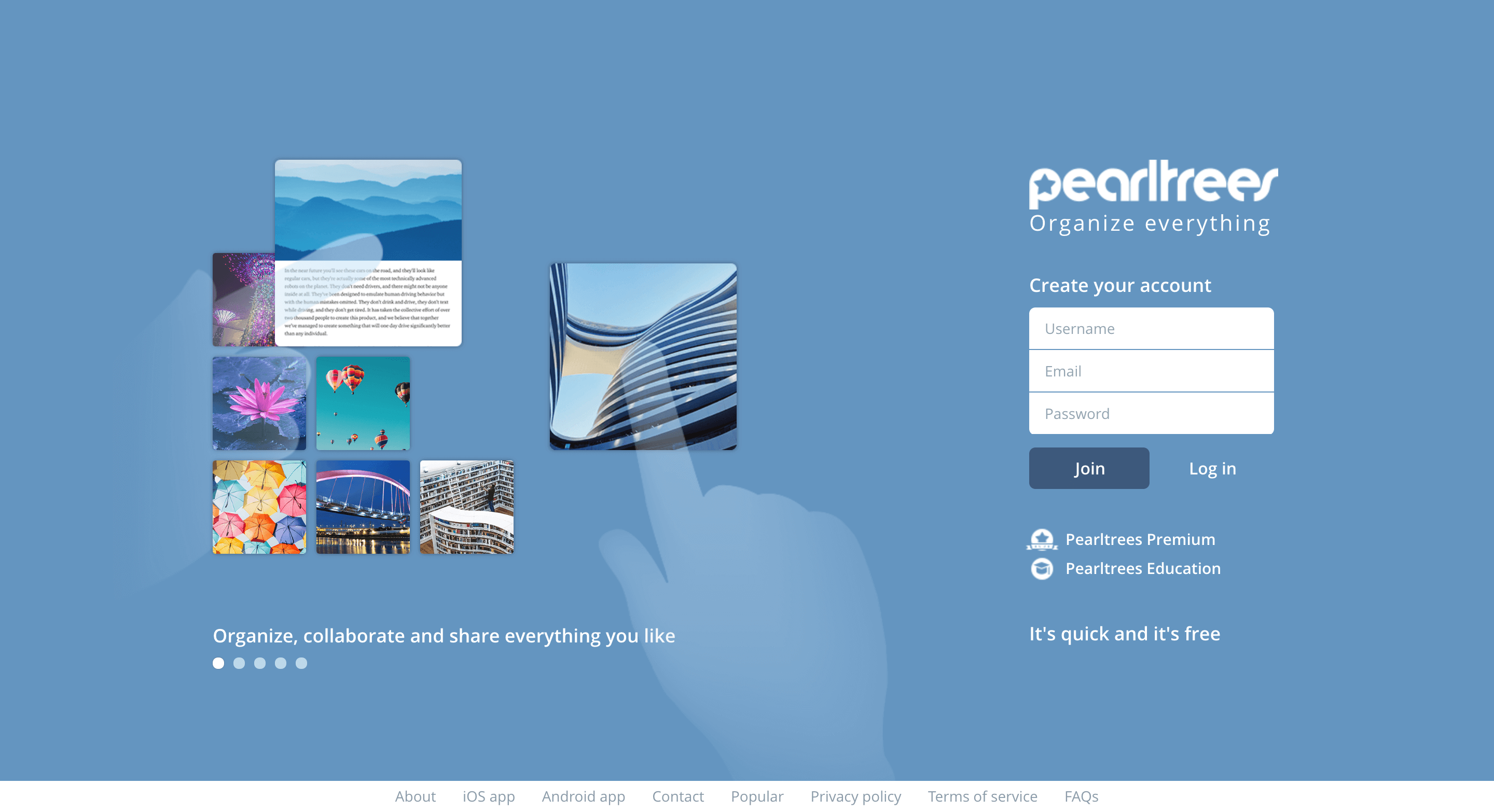
One thing to keep in mind is that while there’s a free version, you’ll need to pay if you want all the other features.
Not gonna lie, I tried Pearltrees for about 2 hours and never looked back. The interface felt outdated compared to everything else on this list.
But if you need to organize a mix of files, links, and images in one place (like a research folder for a school project or a work presentation), it still does that job well.
What’s good: Handles a mix of files, links, images, and documents in one place. The library-style structure works well for academic research, and organizing work projects and sharing collections with others is simple.
What’s not: The interface feels outdated compared to everything else on this list. The free plan is limited. And it doesn’t have the visual browsing experience that makes Pinterest addictive, so it feels more like a filing cabinet than an inspiration tool.
10. Cosmos – the closest thing to Pinterest, without the noise
Cosmos is new, more like a good alternative to Pinterest, that works a lot like Pinterest but is built mainly for creatives.
In simple words, instead of endless scrolling and that social media vibe, it focuses on giving you a calm space to collect inspiration.
You can save photos, videos, text, and even links (using the app or browser extensions), then organize them into clusters, which are basically mood boards for your ideas.

One of the highlighted features is its AI tagging and search, meaning you can find things easily here. This makes it really helpful if you’re trying to build a brand mood board, plan designs, or just explore new styles.
Out of all the platforms on this list, Cosmos is the only one that lets you import Pinterest boards directly. You can connect your Pinterest account, and your saved pins show up in your Cosmos clusters. It doesn’t happen instantly, but you keep everything you’ve already saved.
And unlike Pinterest, there are no likes, comments, or ads. You can also control what you see, including filtering out AI-generated content.
I use Cosmos to save inspiration for my design work, and it genuinely feels different from Pinterest. Quieter, less pressure, and no algorithm pushing trending stuff in your face.
If you want a calm place to collect ideas without the social media noise, this is the one I would actually recommend starting with.
What’s good: No ads, no likes, no comments. You can even import your Pinterest boards, so you don’t have to start from scratch. The AI tagging actually helps you find things later. And you can filter out AI-generated content, which Pinterest only recently started offering.
What’s not: The community is still small, so discovery isn’t as rich as Pinterest yet.
11. Hometalk – best Pinterest alternative for DIY and home projects
Hometalk is a website just like Pinterest, but it’s all about DIY projects and making your home look great.
If you want to find new ideas for decorating your house, Hometalk is perfect for you because you can find lots of ideas from other people who love fixing up their homes, too.
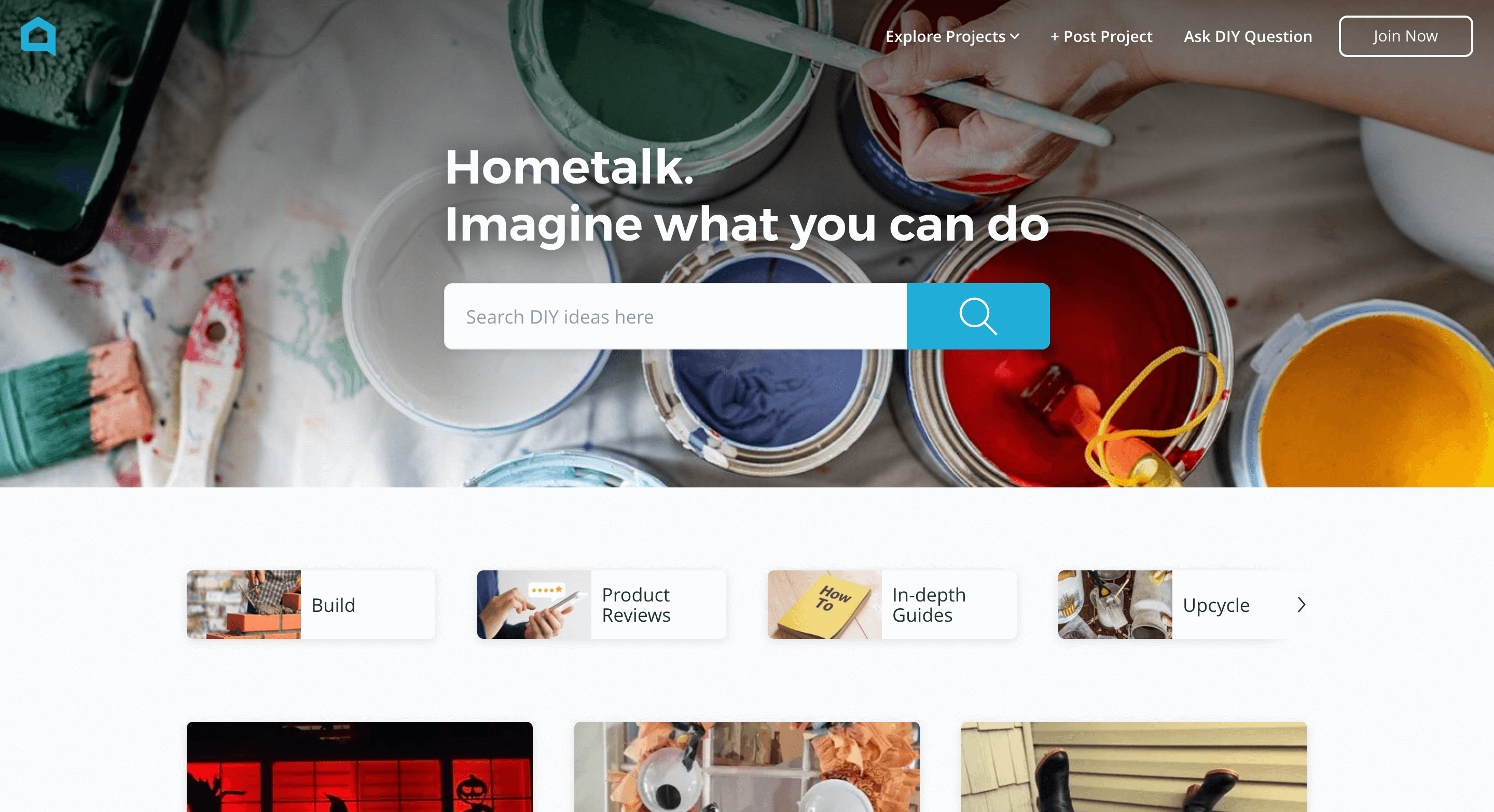
When you visit the Hometalk website, you’ll see tons of cool home projects shared by people who enjoy making their spaces beautiful.
The whole community loves sharing their ideas and helping each other out.
There are more than 150,000 step-by-step guides that show you exactly how to do different projects. This makes it super easy to find help with whatever you want to do in your home.
I’m not that into home improvement, so I can’t speak to the quality of every project on Hometalk. But I browsed it for a weekend when I was looking for simple shelf ideas for my room, and the step-by-step guides were clearer than anything I found on Pinterest.
Each project shows materials, estimated cost, and time needed, which is something that felt good for me.
What’s good: Step-by-step guides show materials, estimated cost, and time needed, which guides on Pinterest pins rarely include. The community is helpful and focused on real projects, not just pretty photos.
What’s not: Only useful if you’re into home improvement or DIY. No design, tech, fashion, or general inspiration content here. The site also has some ads.
12. Tumblr – best for building a creative community
Tumblr comes up a lot in discussions as a solid Pinterest alternative, and it makes sense. It’s simple, visual, and people use it to save ideas, share moods, and build communities that feel personal.

You can post photos, notes, quotes, links, thoughts, and yes, join communities, and nobody even cares about your real name. It’s more like a creative scrapbook mixed with communities that like the same things you like.
If you like saving visual stuff but also want a little more freedom to add text or mix in your own style, Tumblr might be a good alternative. It’s free, it’s easy to use, and you can build your own vibe from day one.
One thing to note is that Tumblr has a younger and much more creative crowd than Pinterest.
So if you are growing a personal brand or want to share your own work while saving inspiration, Tumblr lets you do that, and it does it so well, while Pinterest is mostly just for saving other people’s content.
What’s good: Complete creative freedom. You can post images, text, quotes, and links all in one place. The community is younger, more creative, and less commercial than Pinterest. You can build a following and a personal brand, not just save other people’s content.
What’s not: The feed can feel chaotic if you follow too many accounts. Content quality varies wildly since anyone can post anything.
Which one should you actually use?
It depends on what you’re actually trying to do.
If you want the closest Pinterest feel without the junk, start with Cosmos. It’s the most Pinterest-like experience on this list, just without ads, likes, or an algorithm deciding what you see. You can even import your existing Pinterest boards.
Go with Are.na if you need a tool for serious creative research. It’s not pretty, but it’s powerful for connecting ideas across topics.
If your goal is professional design inspiration, Dribbble is for community and trends, Behance for deep, portfolio-quality case studies, and Designspiration if you want some color ideas.
If you want to save and organize visuals for a real project, Milanote is for team collaboration and mood boards, and Savee works if you’re a designer who works in Figma.
If you use Pinterest as a traffic source for your blog or content, none of these alternatives will replace that. Flipboard is the closest option, but from my own testing, it didn’t send meaningful traffic back.
Tumblr gives you a community, but its audience is different from Pinterest’s US-heavy audience, which has more buying intent. If you want traffic, it’s better to improve what you’re already doing on Pinterest rather than move to another platform.
And if you’re into DIY and home projects, then Hometalk is the only platform on this list dedicated to that.
Or if you just want to discover random cool stuff, Mix learns your taste over time and surfaces content you wouldn’t find on your own.
But what I would actually recommend is to pick two. I mean, one for browsing inspiration (Cosmos, Dribbble, or Behance) and one for organizing it (Milanote, Are.na, or Savee).
That combo can replace Pinterest better than any single platform can.
Frequently Asked Questions
- What are the best free alternatives to Pinterest?
- Tumblr, Cosmos, Behance, and Are.na all offer free plans. Tumblr lets you collect ideas and build a creative community. Cosmos gives you a clean, ad-free space to save visuals with AI search. Behance lets you browse over 24 million professional creative portfolios for free. Are.na offers a free plan for organizing research and inspiration, up to 200 saved blocks.
- Which Pinterest alternative is best for designers?
- Dribbble, Behance, Savee, and Designspiration are the top Pinterest alternatives for designers. Dribbble is popular for showcasing work and networking. Behance gives you full project case studies, not just images. Savee has a Figma plugin that lets you pull saved visuals directly into your design files. Designspiration lets you search inspiration by specific colors, which Pinterest doesn’t do well.
- Is there a Pinterest alternative without ads and likes?
- Yes. Cosmos has no ads, no likes, and no comments. Are.na is also completely ad-free with no algorithm or social pressure. Savee offers an ad-free experience focused purely on visual bookmarking. All three are built for calm, focused inspiration without the noise of social media.
- What happened to StumbleUpon?
- StumbleUpon shut down in 2018 and was replaced by Mix.com. Mix keeps the same idea of discovering content based on your interests, but with a more modern interface. If you used to love StumbleUpon for finding random cool stuff online, Mix is the closest thing to it that still exists.
- Can I import my Pinterest boards to another platform?
- Yes. Cosmos lets you import your Pinterest boards directly, so you don’t lose everything you’ve already saved. For other platforms, you would need to manually save your favorite pins, which takes time but can be a good chance to clean up your collections and keep only what you actually use.
- Can Pinterest alternatives drive traffic to my blog?
- Most of them won’t. Flipboard is the closest option on this list, but from personal testing it didn’t move traffic noticeably for TalkBitz. These platforms are built for saving and organizing ideas, not for sending people to your site.
- What is Raindrop.io and is it like Pinterest?
- Raindrop.io is a bookmark manager where you save images, articles, links, and videos into organized collections. It has no algorithm, no social feed, and syncs across every device. It feels more like a personal library than an inspiration platform, but it’s one of the most popular tools people switch to when they leave Pinterest.
- What is mymind and how does it compare to Pinterest?
- mymind is a private bookmarking app that uses AI to automatically tag and organize everything you save. There’s no social feed, no followers, and no algorithm. It’s good as a personal inspiration archive you can search later, but it has no discovery or community features at all.