The first time I paid for annual hosting, I picked the wrong host.
I locked in a full year because the monthly option was almost double the price and I figured, how bad could it be? Pretty bad, as it turned out.
Slow load times, a support team that took 48 hours to respond, and a control panel that felt like it was built in 2007. I was stuck for 11 more months.
That is the real cost of a long-term hosting contract when you have not tested the host yet.
On the other hand, month-to-month web hosting costs more per month than annual plans, sometimes 2 to 3x more.
But you pay for the exit.
If something is wrong, slow, or just not what you expected, you leave at the end of the month with nothing lost except that month’s fee.
So I have tested a lot of hosts over the years. Paid for things I regretted, switched for reasons I should have caught earlier, and eventually landed on one and never left.
Here are my top 5 month-to-month hosting options I would actually consider, what I know about each, and which one I’d pick depending on what kind of site you are building.
Disclosure: This post has affiliate links. I earn a commission if you buy, at no extra cost to you.
Quick Comparison
Before we go through every single host one by one here is the short and simple version for you. If you already know what kind of hosting you need then this table should be enough to help you decide.
| Host | Monthly Price | Best For | Free Migration | Refund Window |
|---|---|---|---|---|
| Namecheap | $5.88/mo | Budget starters, test sites | Yes (cPanel + non-cPanel) | 30 days |
| Hostinger | $11.99/mo | Beginners who want a clean setup | Yes | 30 days |
| Cloudways | From $11/mo | Growing sites, real performance | Yes | 3-day free trial |
| DreamHost | $4.99/mo (first 3 months) | Low-risk testing, WordPress sites | Yes (WordPress only) | 30 days |
| HostGator | $17.59/mo | Unmetered storage, no frills | No (month-to-month) | 30 days |
Now here is what each one of these hosting companies actually looks like when you get up close and take a good hard look at them.
1. Namecheap: $5.88/mo (Month-to-Month)
Namecheap is the cheapest month-to-month option on this list by a fair margin. Most people know them as a domain registrar first and a hosting company second. I can’t really argue with that reputation either.
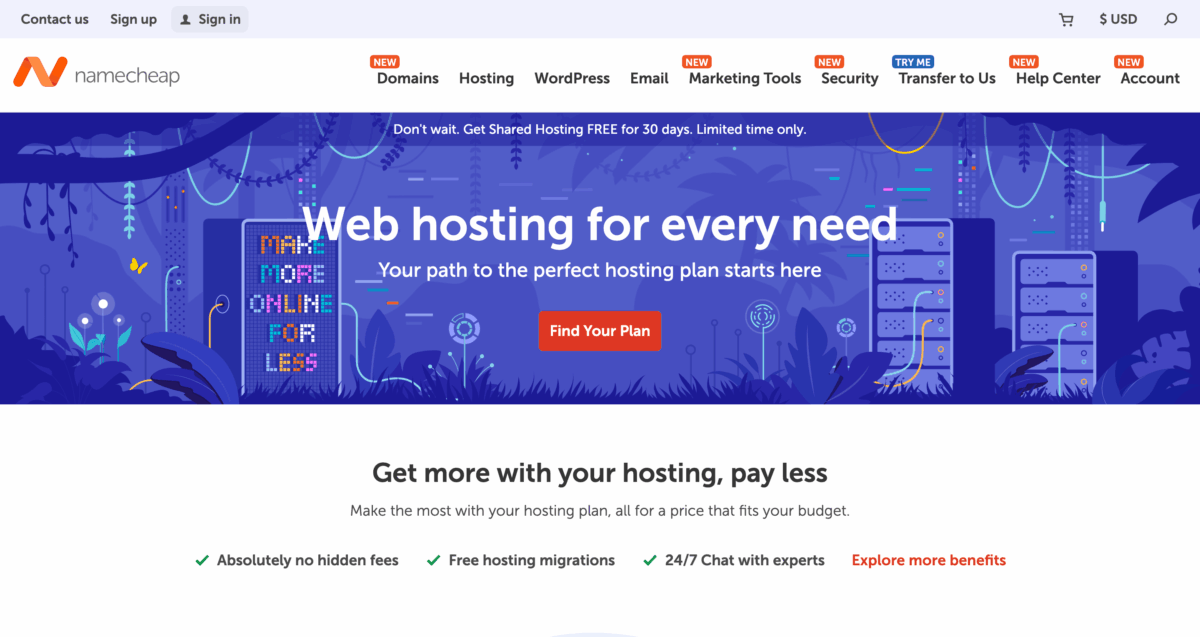
This hosting is shared and basic and it is not going to break any records for being fast. But when you only pay $5.88 a month, it is really hard to complain if you are just starting out.
The Stellar plan, which is their basic plan, includes unmetered bandwidth, a free SSL certificate, weekly backups, and a cPanel dashboard with one-click WordPress install. Support is 24/7 live chat and they also offer free website migration.
Even though it is a basic shared hosting setup, I almost used it for around one year. My only worry was it is just not a place to get the performance I needed and it ends up costing a fair bit more when I try to get anything beyond the basic plan.
This is good for a personal project or a very early-stage website, and once you start getting more traffic, you will probably want to move to something faster like their VPS or Managed WordPress plans.
But overall I had a good user experience for what I paid.
Pricing: $5.88/mo on a month-to-month plan. You can cancel anytime.
2. Hostinger: $11.99/mo (Month-to-Month)
Hostinger gives you one of the cleaner and easier beginner experiences compared to any other host I have taken a look at so far. And that keeps you from that feeling of being scared to click on anything.
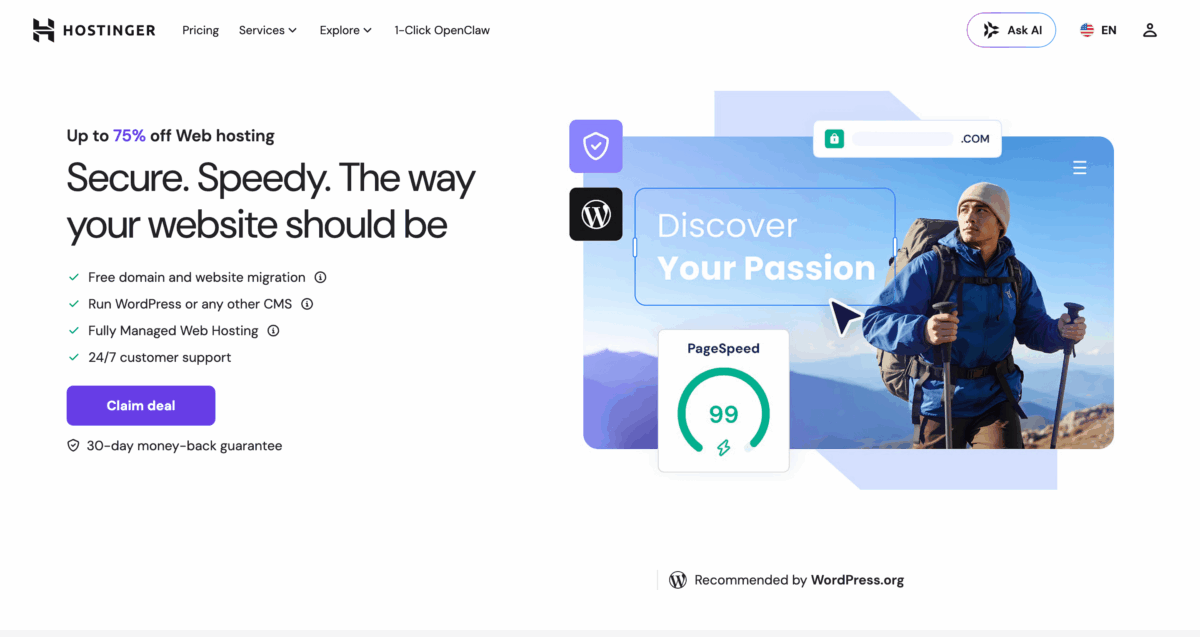
But when we look at their hosting plans, it gets you confused a little if you are not careful with what you are doing. Those $1-$3/mo prices you see advertised on Hostinger’s site? Those are annual plan rates.
If you are trying to pay month to month for shared hosting, that is not the same number as the cheap price you saw on their homepage. That all being said, $11.99 a month for a beginner kind of shared hosting setup is still reasonable enough.
And for that price you get a modern dashboard and, the one-click WordPress installer works without any confusion, and also a free domain for 1 year, free SSL and free website migration with weekly backups included.
VPS hosting is also available if you end up needing more than shared hosting and that starts somewhere around $9.99 a month for the plan that gets you in the door.
This is the best one I would tell someone to go with if they are building their first blog or a small site and they want a clean and modern interface without needing to learn too much technical stuff before they even begin.
Pricing: $11.99/mo on a month-to-month Premium plan. The lower advertised prices require annual commitment.
3. Cloudways: From $11/mo (Month-to-Month)
Cloudways is the one I am using right now for most of my projects and that includes the website you are on at this very moment. And I have been using it for years now without any big problems to speak of.
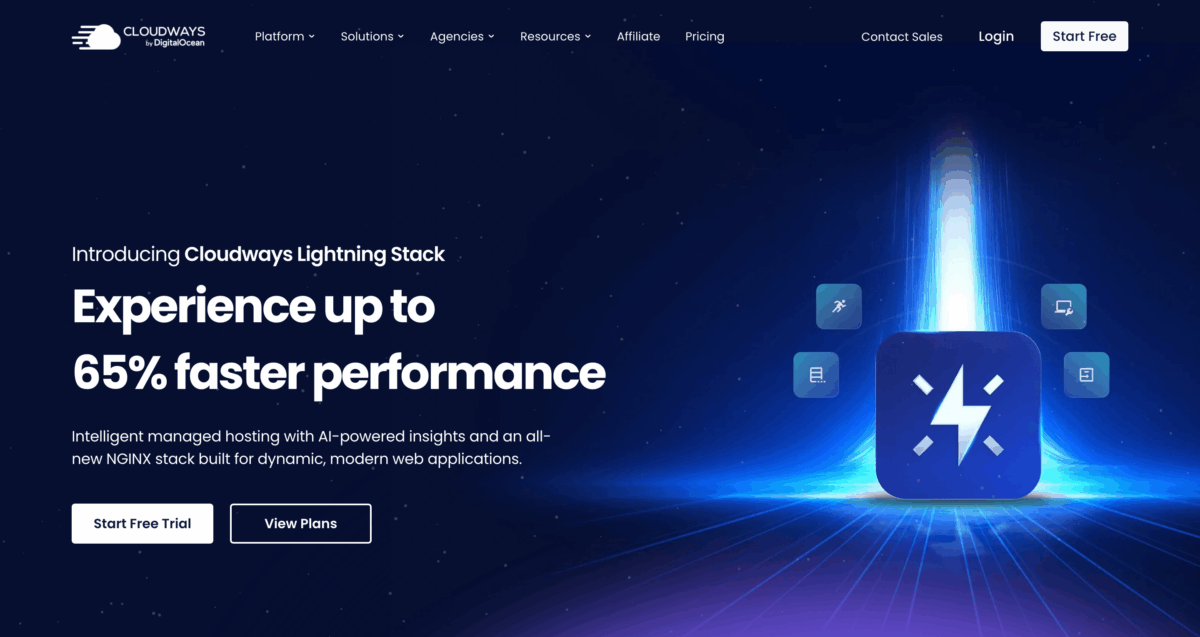
It is not shared hosting. It is managed cloud hosting, which means you are getting a real cloud server (from providers like DigitalOcean, AWS, or Google Cloud) with Cloudways handling the management layer on top of it.
The way things work under the hood matters here more. When I was on shared hosting, my site competed for server resources with hundreds of other sites on the same machine.
On Cloudways, I have a server to myself. Load times are noticeably faster. Part of that is the infrastructure, and part of it is the stack Cloudways runs under the hood, NGINX, Apache, Varnish, and Redis working together, which is not something you get on a standard shared host.
You log into the Cloudways dashboard, pick your cloud provider, and server size, deploy a WordPress application, and you’re live. Yes, it sounds like more steps than it is and the first time took me maybe 1 hour to figure things out, but now it’s way easier to manage everything there.
The thing that makes it genuinely flexible is the pay-as-you-go model. You pay for what you use, billed monthly, and you can scale the server up or down as you need.
This is not for someone who wants to build a WordPress site and forget it. If you want a simple hands-off experience, Hostinger or Namecheap will suit you better. But if you want more control and have some server side knowledge, Cloudways is what I would recommend. It is what I use.
Pricing: Standard plans start at $11/mo (DigitalOcean, 1GB RAM). More powerful configurations cost more. You scale when you need to. Free migration is included if you are moving an existing site over.
4. DreamHost: $4.99/mo (Month-to-Month)
DreamHost has the cheapest entry point out of everything on this list. But after the first three months are done, the pricing jumps to $11.99 each month. So this is not a long term budget kind of choice, but if you want a low risk way to test a host, then this one might be a solid choice.

That said, DreamHost is one of the cleaner beginner experiences on this list. The dashboard is simple, WordPress installs in a few clicks, and the feature set on the Launch plan is solid.
You can host up to 25 websites, 25GB NVMe SSD storage, free WordPress migration and bandwidth is unmetered so you do not have to worry about traffic counting, and they include daily automated backups plus unlimited SSL certificates for free. They are not trying to nickel and dime you on the basic things you actually need to run a site properly.
So if you want something simple, WordPress-friendly, and you are not paying extra to move your site over, this one is worth a look.
Pricing: $4.99/mo for the first 3 months, then $11.99/mo on a month-to-month basis.
5. HostGator: $17.59/mo (Month-to-Month)
HostGator is the most expensive shared hosting pick out of all the options we have here and it’s also the hardest one to find a good reason for when you are trying to pay for it month by month instead of locking in for a whole year.

Their annual plans start around $2.90/mo for new users, which is a solid deal. But once you are paying month-to-month, the Hatchling plan runs $12.59 for the first month and then $17.59/mo. That is more than Cloudways’ starting price, and Cloudways gives you actual cloud infrastructure.
That said, HostGator is a well-established host with unmetered disk storage and bandwidth, a free SSL, automated backups, and 24/7 support and let you selected a data center closest to you.
But at this price point, I would pick Cloudways instead almost every time. Better performance, real cloud infrastructure, roughly the same monthly cost. But if you are already familiar with HostGator and want to keep things simple, this is a decent host.
One more thing, if you are migrating an existing site, HostGator charges $149.99 as a one-time migration fee on month-to-month plans. Free migration is only available on 12-month VPS or Dedicated plans.
Pricing: $17.59/mo on a month-to-month Hatchling plan. Long-term plans are way cheaper.
Which One Should You Pick?
It really depends what you are building and what you are willing to deal with.
If you want the cheapest long-term month-to-month price, Namecheap at $5.88/mo. Basic shared hosting, nothing huge, but no contract and no surprises at renewal.
If you want the lowest entry point to test things out, DreamHost at $4.99/mo for the first 3 months. After that it goes to $11.99/mo, so it is not the cheapest long-term.
If you are a beginner who wants a clean, modern interface, Hostinger at $11.99/mo. The setup is the friendliest here and everything you need is included from day one.
If you want real performance and you are okay with spending some time on getting things set up, Cloudways from $11/mo.
If you are already familiar with HostGator and just need month-to-month flexibility, HostGator at $17.59/mo.
The main thing you need to know is that month to month payments mean you can always leave whenever you want.
You just pick something, try it out for thirty days, and then change things up if it is not working out for you.
That is really the whole point of doing it this way.