You know you need a portfolio website. You just do not know where to start.
You want something that looks professional, does not cost a fortune, and does not force you to hire a web designer just to get online.
And when you start searching, every tool claims to be the best.
That kind of overload keeps your work hidden for months, maybe even years.
In this post, I will show you the portfolio website builders that actually make sense, tools that are easy to use, affordable, and built to show work you would happily send to clients.
What's Inside
1. Pixpa
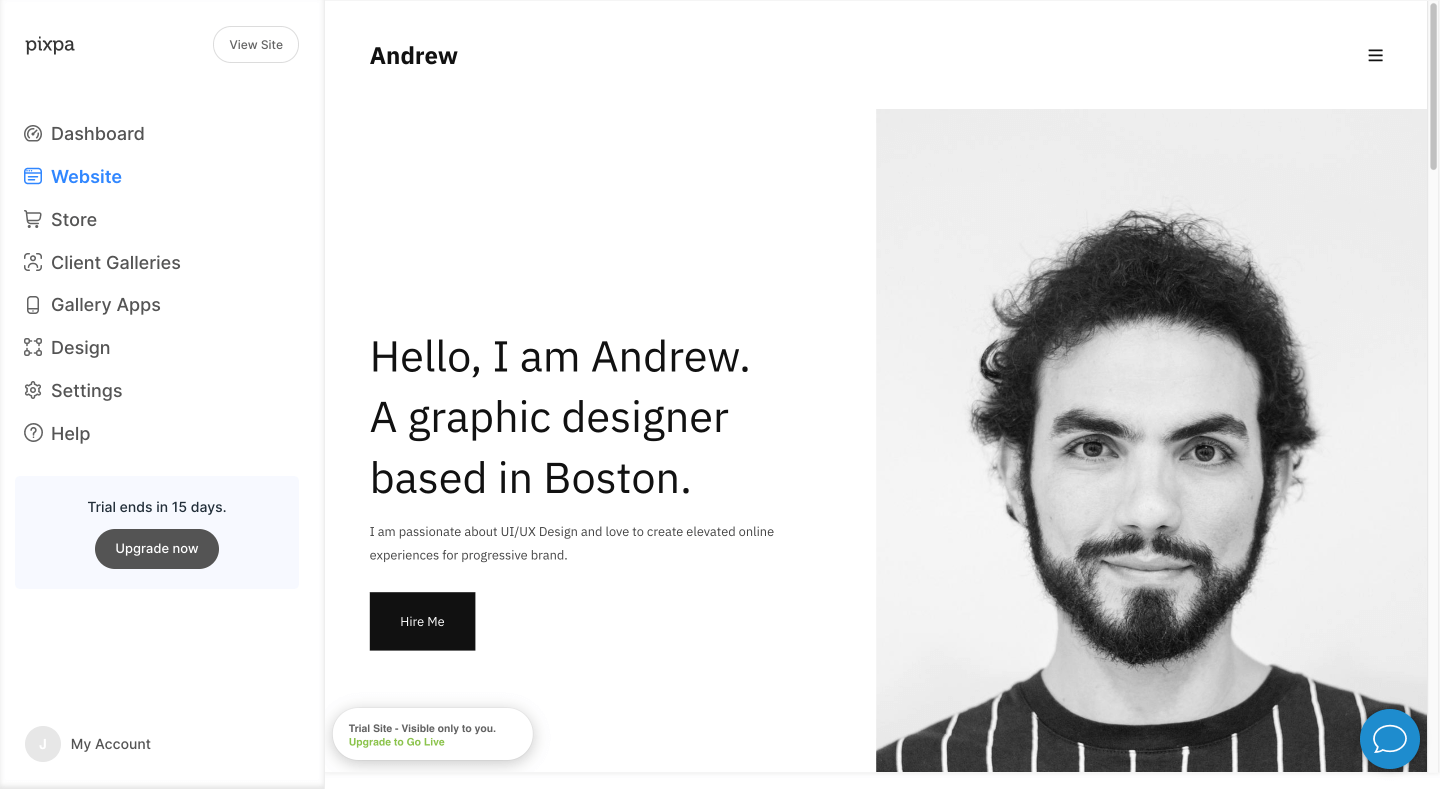
Pixpa is a website builder designed specifically for creators, artists, designers, illustrators, photographers, graphic designers, and other professionals. Pixpa enables you to design a beautiful portfolio website by easily dragging and dropping your content.
You can build a site with built-in templates that come in all different styles, and use your own design ideas to create something totally unique.
From beautiful page designs and galleries to eCommerce functionalities, Pixpa is an ideal place for you to kickstart your new portfolio website today.
Pricing: Pixpa offers a 15-day free trial; standard plans generally start around $8 per month or higher, depending on features and billing cycle.
2. Hostinger Website Builder

Hostinger website builder is an innovative website builder that uses a visual drag-and-drop editor to build high-quality, mobile-ready websites easily. With this, you’ll be able to set up a complete, custom site in no time at all, even if you have zero design experience.
You can choose from professional templates to get started, then customize them by moving the widgets around and choosing colors for the text and background.
Furthermore, the editing tools are easy to use and offer you an AI website builder to make a website within minutes.
Pricing: Hostinger Website Builder’s pricing varies by billing term; entry-level plans can be low when paid over long periods, but standard annual billing rates are quite higher.
3. Weebly
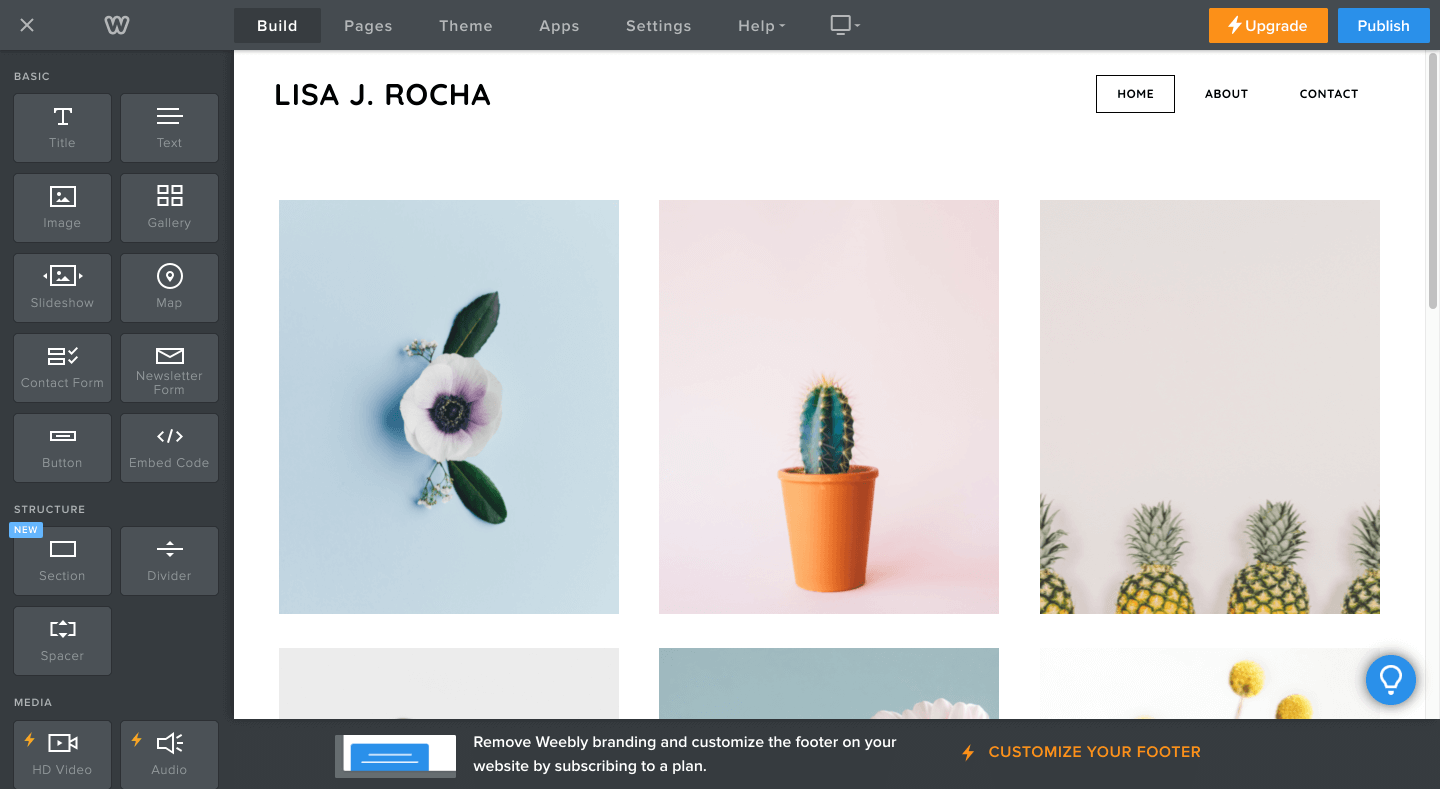
Weebly is a great option if you’re looking to create a professional portfolio website for free. With amazing templates, a drag-and-drop editor, and powerful tools like built-in online store functionality, Weebly is a breeze to use.
There’s no complicated coding and no learning curve — just create an account, pick an awesome template in their library, and then start customizing it to make it your own.
With Weebly, you’ll get a free subdomain to publish a website with your best works in no time.
Pricing: Weebly offers a free plan; paid plans start at a low monthly rate with better features, though exact pricing varies by region and billing cycle.
4. WordPress
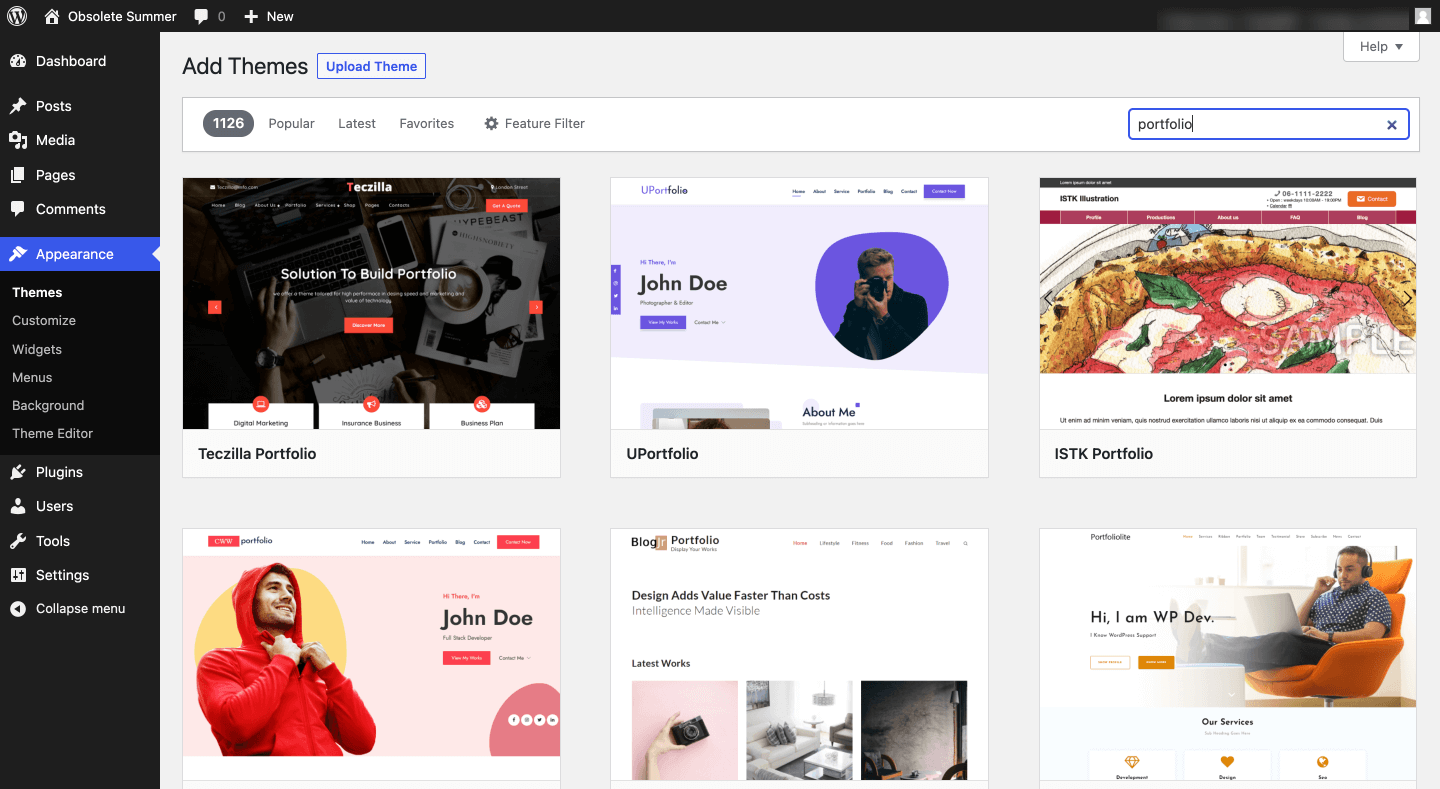
WordPress is a powerful and flexible way to build a website. You can create beautiful websites, blogs, and eCommerce stores. It comes with thousands of free and premium themes for you to use, along with intuitive plugins to supercharge your website.
It’s free-to-use web software, but you need to install it somewhere, so you’ll need to purchase your domain name and web hosting.
We recommend Bluehost. When you get started with Bluehost, they will automatically install WordPress for you, and you have full control over design, layout, and content.
Pricing: WordPress includes software you can install via hosting (WordPress.org), giving full control but requiring separate hosting, or use the hosted WordPress.com platform for a simpler setup.
5. Wix
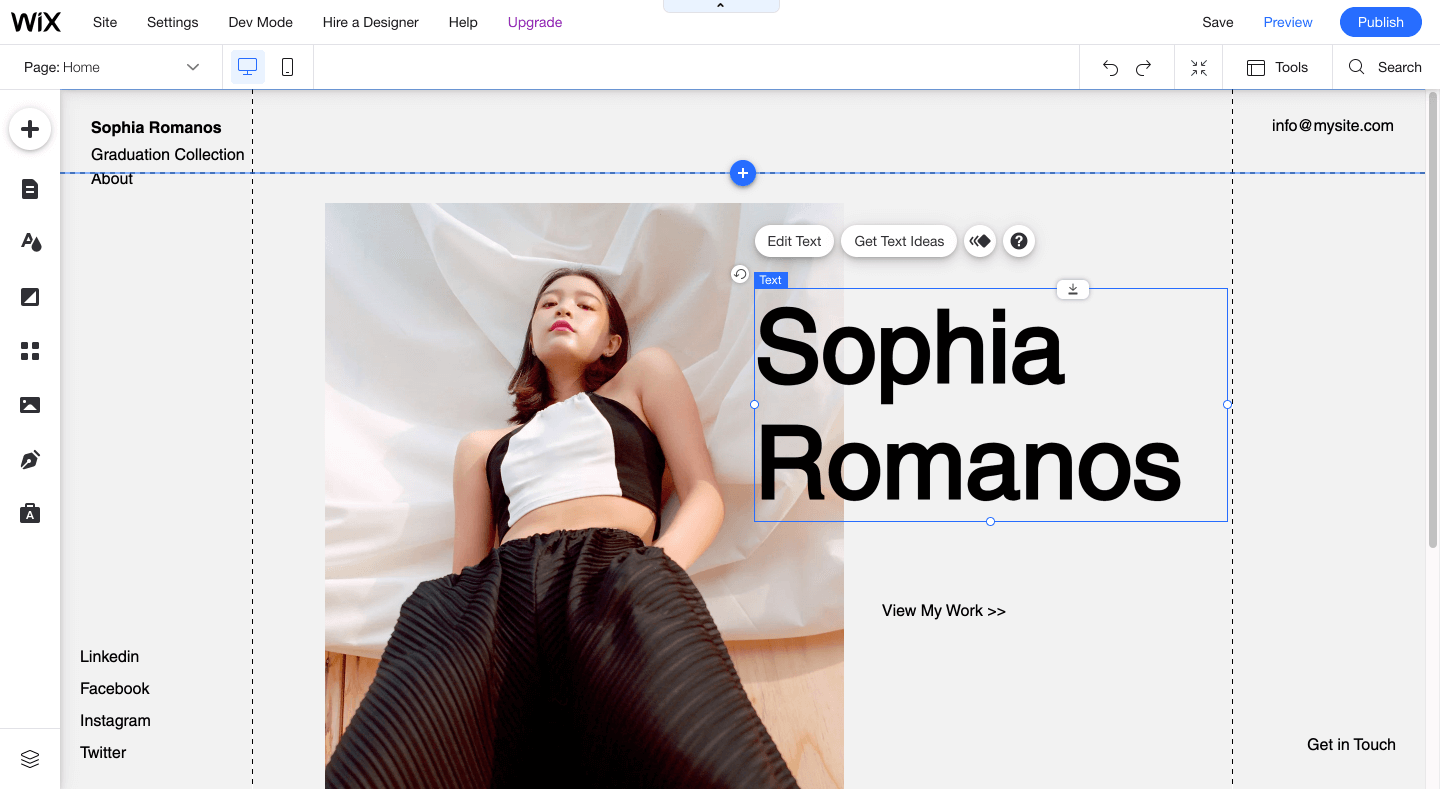
Wix is one of the world’s most popular ways to build websites, blogs, portfolios, and eCommerce stores. If you want to create a high-quality online portfolio of your work and you want it to be easy and fun, then Wix is a perfect place for you.
It’s incredibly easy to set up, so you can get started quickly with drag-and-drop editing tools that let you customize your site in any way you like, dragging anything anywhere on your site.
It comes with beautiful animations, video backgrounds, and scroll effects for your portfolio website.
Pricing: Wix offers a free plan with ads; premium plans typically start around mid-teens per month with annual billing, with higher tiers offering more features.
Choosing the Best Portfolio Website Builder
There are plenty of website builders you could use to showcase your best work, which means it can be challenging to choose — especially when you’re on a tight budget.
If you asked us, Pixpa and Hostinger Website Builder are the perfect platforms to start today.
WordPress is the best option if you need more control over your portfolio website.
No matter what level you’re at, a portfolio site is an online highlight reel of your best work and can be used to showcase and sell your skills to potential clients!