You want to sell online, but one thing keeps stopping you: the website.
Not the products, not the ideas, the website.
Suddenly, it feels confusing. Too many tools, too many “best platforms.”
This is the part where most people pause… and never start.
But the simple truth is, you don’t need a perfect setup. You just need one website builder that fits your situation right now.
In this guide, I’ll show you 5 eCommerce website builders that actually make sense for small business owners who want to sell online in 2026.
By the end, you’ll know which builder to pick first, and which ones to ignore.
Disclosure: This post has affiliate links. I earn a commission if you buy, at no extra cost to you.
1. Shopify
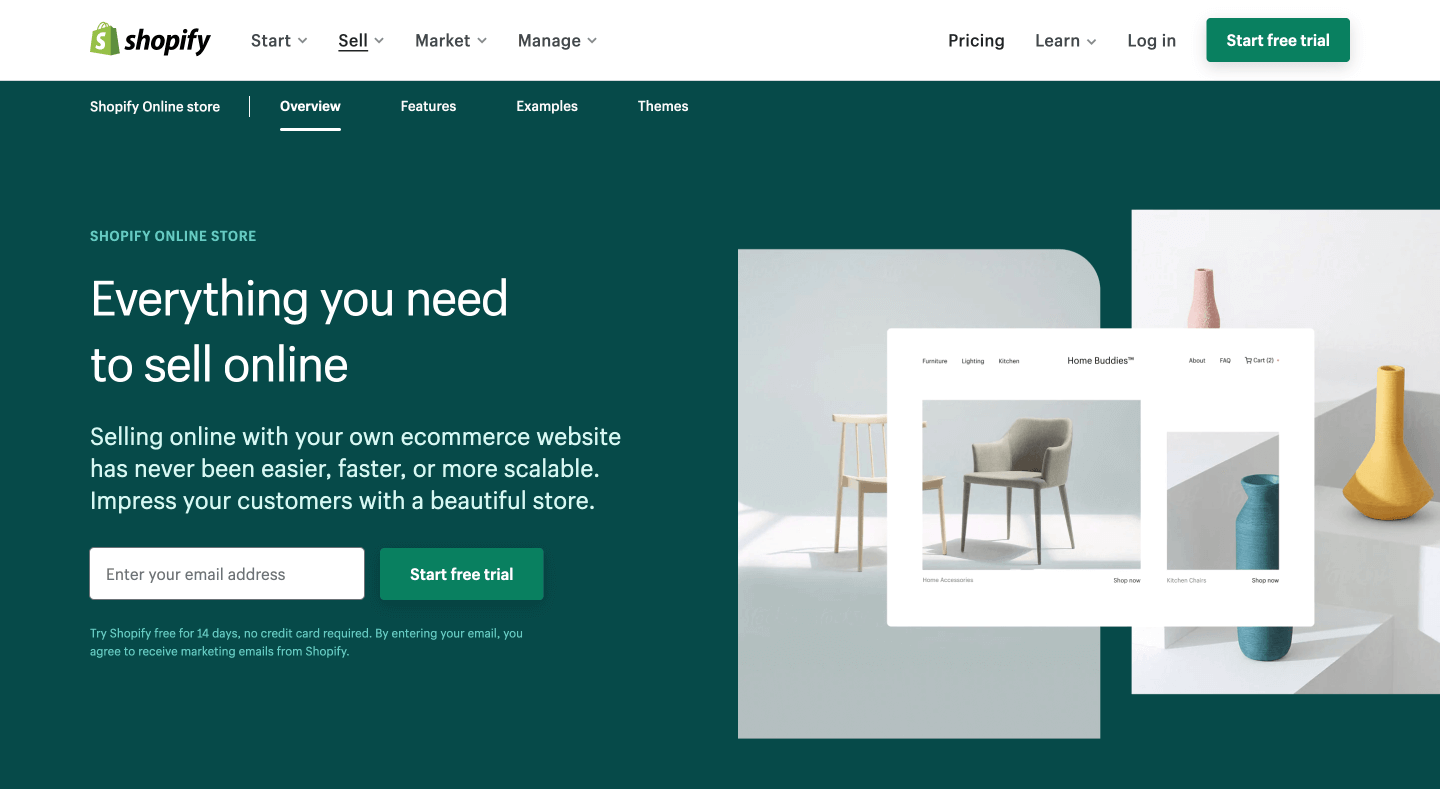
Shopify is one of the most popular and reliable ecommerce platforms to set up an online store, thanks to its user-friendly tools and wide range of commerce features.
Most things can be managed through an easy-to-use editor, letting you customize your store layout and track sales, orders, and traffic to make better decisions for your business.
With the Shopify mobile app, you’ll get live access to orders, fulfillment, analytics, and more, all from your smartphone.
You can simply accept credit card payments and other popular payment methods on Shopify. It is a great way to make your customers feel safe shopping with your store.
Key features:
- Drag-and-drop editor with beautiful themes
- Offer different product variations
- Supports multiple languages for online stores
- Optimize your product pages for SEO
- Supports many payment providers worldwide, including credit cards and local payment methods
- Set up shipping rates by fixed-price, location-based rates, and more
Pricing: They usually offer a short free trial and a limited-time $1/month deal for new users, after which paid plans start at $29 per month.
2. Weebly
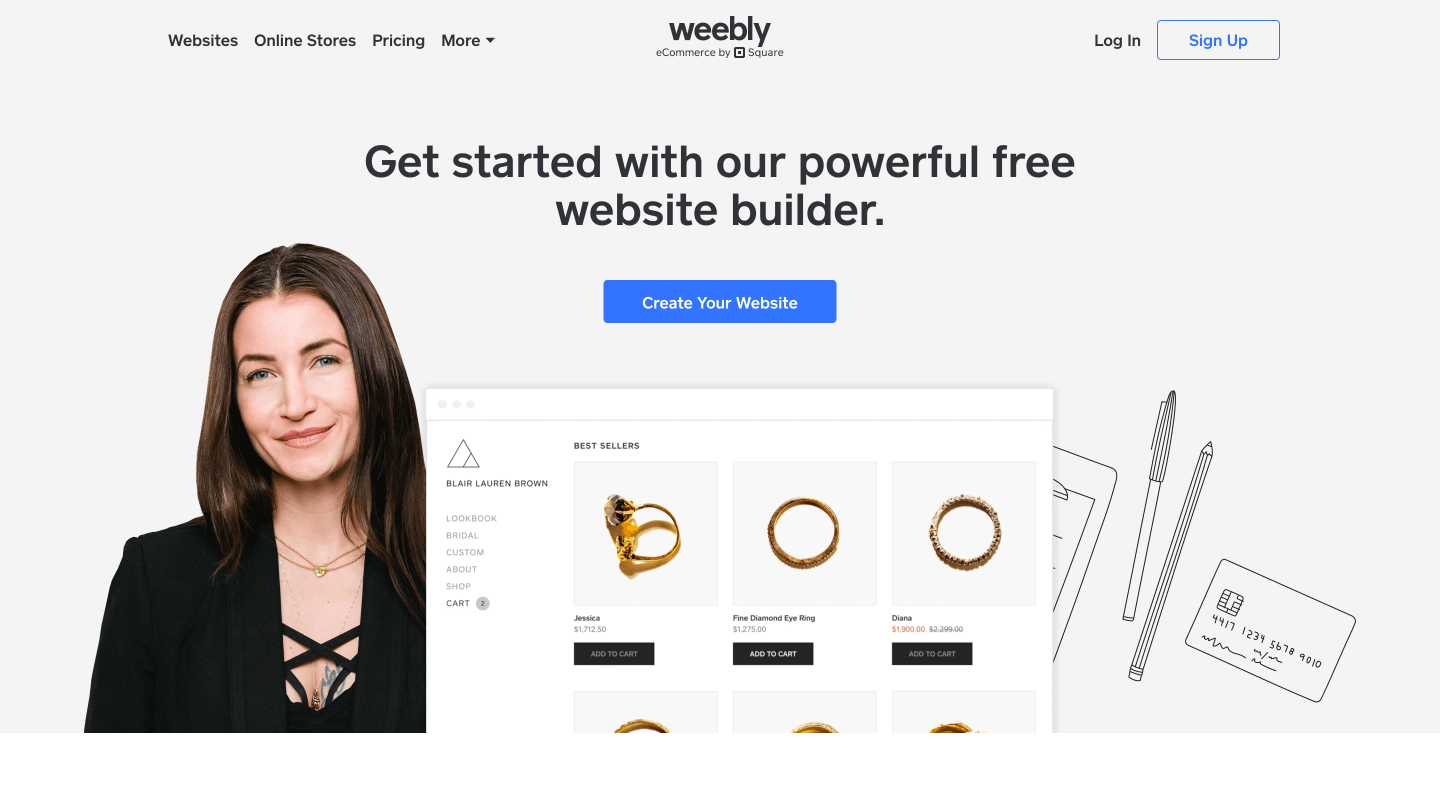
Weebly is a free website builder that lets anyone create, customize, and share websites.
Weebly also offers a drag-and-drop site editor so you can start with a blank page and have the ability to add plenty of free themes and templates that are available for customization.
Weebly’s intuitive website builder has powerful, built-in tools that make it simple to add your own photos, videos, text, and more to your site.
It is also packed with smart marketing tools such as abandoned cart recovery and welcome emails, to connect with your buyers.
You can create a free website with Weebly, but if you want to sell products and accept payments, you’ll need to go with one of their paid plans.
Key features:
- Well-crafted templates for various industries
- A range of marketing tools to grow your business online
- Manage and track your inventory using a simple dashboard
- Apps Center to make your business more powerful
- Instantly accept major credit cards directly from your website
Pricing: Weebly offers a free plan, but selling products requires a paid plan, with pricing depending on your region and billing cycle.
3. Pixpa
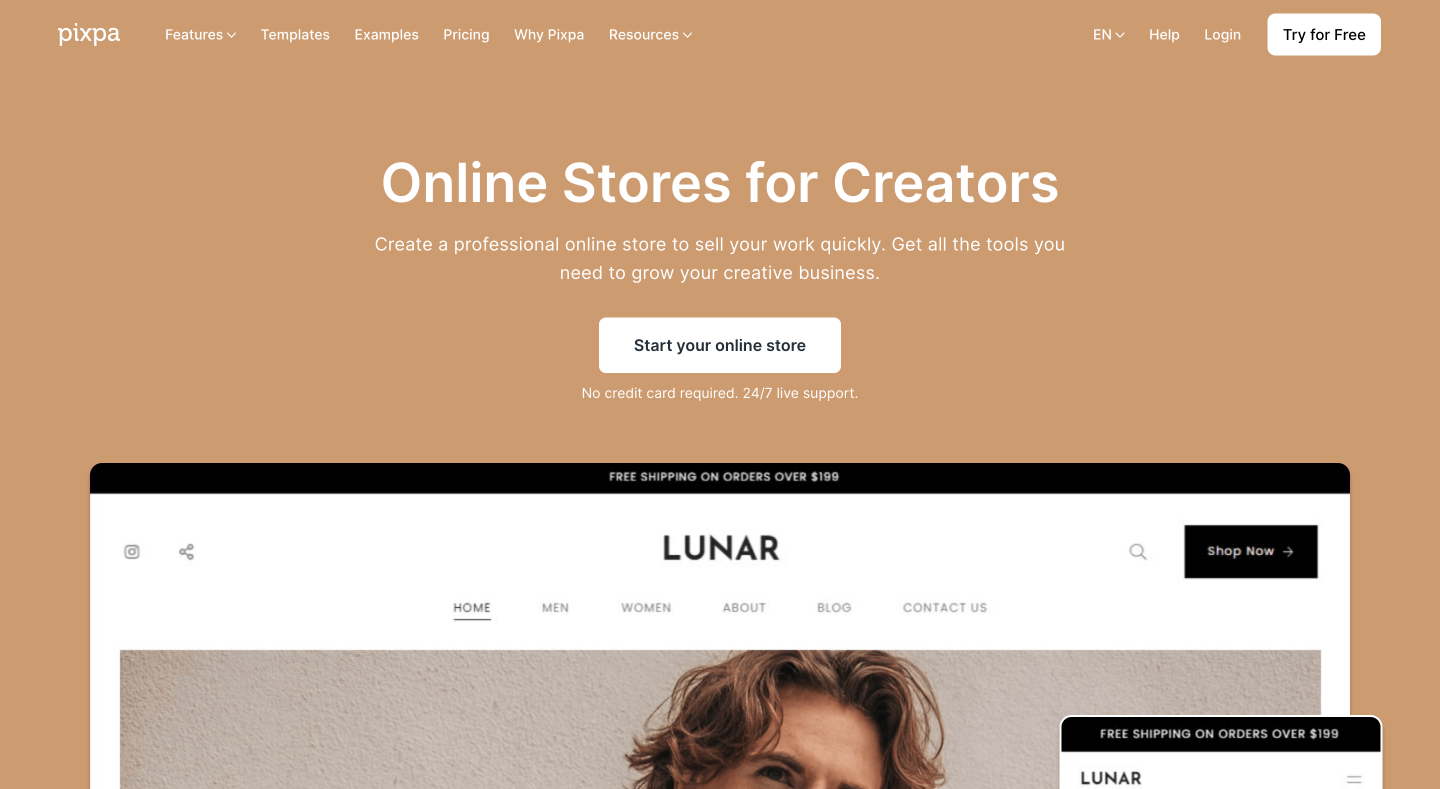
Pixpa is a well-known platform for creating portfolio websites. But it also lets you add a simple online store to your website.
You can pick from one of their professionally designed templates, choose your page layout, add content and products, connect the payment gateways, and customize your site to make it stand out.
You can manage your online store from a simple dashboard by letting your site visitors browse your store easily, add items to the cart, and check out with major payment methods.
The coolest thing is that Pixpa doesn’t charge any fee or commission on your orders. All you need to do is just pick one of Pixpa’s affordable subscription plans that fit your needs and pay a fixed monthly/annual fee, and you’re good to go.
Key features:
- Modern website templates for various industries
- Client galleries to showcase your works get more sales
- Add custom CSS and edit HTML to customize your website
- Sell your physical products, and images as print and downloads
- Blogging and SEO tools to improve your search engine visibility
- Get a Pixpa expert to build your website for free (need a business subscription)
Pricing: Pixpa offers a 15-day free trial. A small eCommerce business can get started with the $8/mo annual plan.
4. Strikingly
Strikingly’s simple e-commerce solutions help you sell your products online, hassle-free. It comes with a collection of stylish website templates, enabling you to customize your website with its intuitive website editor.
They offer secure payment gateway options, membership features, and inventory management tools you’ll ever need to start growing your online venture.
On the free plan, you can create unlimited sites on a Strikingly subdomain, with limited bandwidth and the ability to sell a single product per site.
If you want to sell more products, they have paid plans that let you sell more with powerful features for businesses and membership sites.
Key features:
- Create unlimited websites for free
- Free domain for a year (on paid plans) or connect your own domain
- All paid plans come with a 14-day free trial
- Easy to manage and sell your products with shipping, coupons, and more features
- All your sites come with built-in eCommerce, blogging, and analytics
Pricing: You can build unlimited sites for free, but paid plans start at $8/mo (billed annually), which includes access to additional website features.
5. WordPress + WooCommerce
WordPress is a powerful online publishing platform that can add custom functionality without the need for developers. This is possible because WordPress uses what it calls “plugins” to create these custom functionalities.
WooCommerce is one of them and for good reason. It’s this plugin’s flexibility, ease of use, and robust extension store that make it attractive to WordPress store owners as well as developers who build custom eCommerce sites.
WordPress + WooCommerce is free to install, but you’ll need to budget for hosting, a domain, and possibly paid extensions to build and manage a full ecommerce store.
This requires some knowledge of how to properly host a website and time to continue the endless cycle of selling things to people.
Key features:
- If you have a WordPress site, you can sell anything with the WooCommerce plugin
- Accept major payment methods, cash on delivery, and bank transfers (BACS)
- The dashboard is a familiar interface for updating products and fulfilling orders
- Add free and paid extensions that add more features to your store
- Get help from the public support forum
Pricing: The WooCommerce plugin itself is free, but you’ll still need to pay for hosting, a domain, and any paid extensions you choose.

Final Words
As you can see, there are a variety of eCommerce website builders available today.
If you’re looking to build an online store right now and want to do it without having to become an expert with code and design, I would suggest that you take a look at Shopify on the list above.
It’s trusted by millions of the world’s most successful brands, and it offers many appealing features that can attract the customers you most want to reach.
Always pick a platform that works best for your store’s needs and what you can afford. Try the free versions first to see if you like using them.
Happy selling!